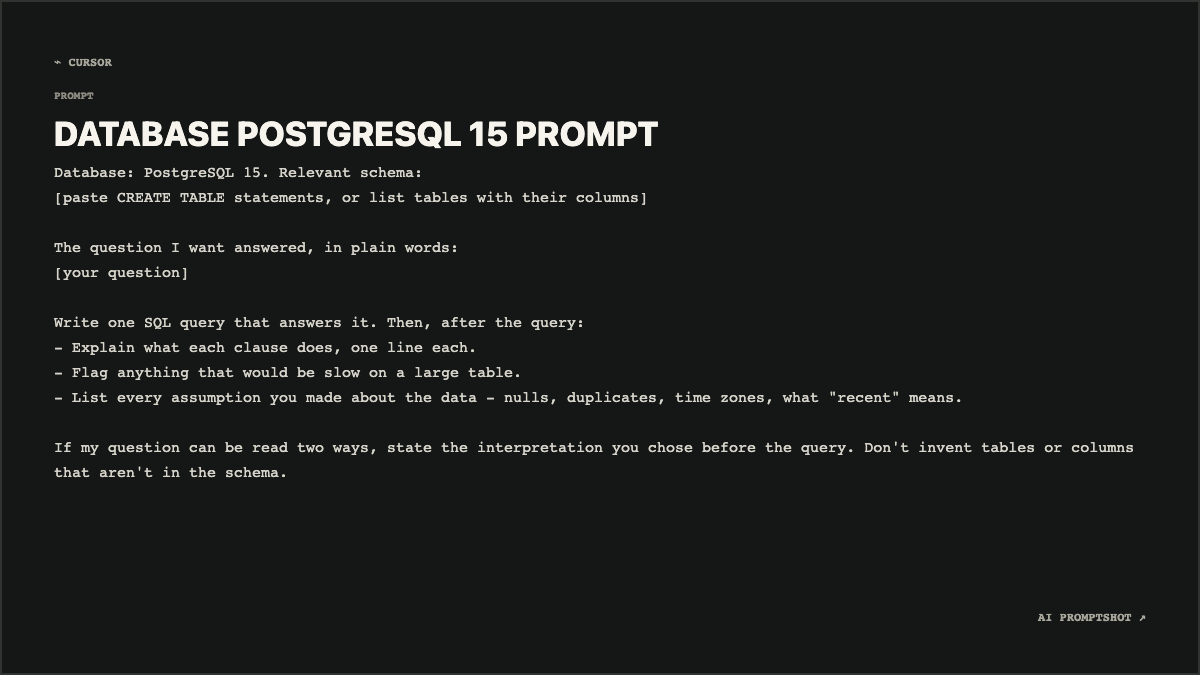
The prompt
Database: PostgreSQL 15. Relevant schema:
[paste CREATE TABLE statements, or list tables with their columns]

The question I want answered, in plain words:
[your question]

Write one SQL query that answers it. Then, after the query:
- Explain what each clause does, one line each.
- Flag anything that would be slow on a large table.
- List every assumption you made about the data - nulls, duplicates, time zones, what "recent" means.

If my question can be read two ways, state the interpretation you chose before the query. Don't invent tables or columns that aren't in the schema.
Text in square brackets is a placeholder: paste your real schema and write your question in plain words before you send the prompt.
Why the Developer template fits
Developer is the dark code template: near-black background (#151716) with a subtle border (#303430), light text, on the 1200 × 675 Landscape canvas, carrying the Cursor mark. A SQL prompt is a technical spec - engine line, schema block, rules - and Developer's frame reads like the tooling this audience already lives in. The wide canvas gives the schema block and the rule list room, and the export keeps the line breaks, so the blocks stay visibly separate.
The dark card also photographs well where this prompt will actually be shared: pasted into an engineering wiki, a pull request, or a dev-focused social post, where a paper-toned card would look like homework.
What makes this prompt work
- Engine and version come first. SQL dialects differ in ways that bite - date functions, upsert syntax, window support. "PostgreSQL 15" rules out a class of wrong answers in one short line.
- The schema is pasted, not described from memory. "There's a users table and an orders table" invites invented columns. The real CREATE TABLE statements make invention unnecessary - and the "don't invent" rule backs it up for anything still missing.
- Ambiguity is resolved before the query, not after. "Active users this month" has at least three defensible meanings. Making the assistant state its chosen reading up front turns a silent coin flip into something you can correct before trusting the result.
- Assumptions get their own list. Nulls, duplicates, time zones: this is where queries quietly go wrong. A prompt that demands the list produces a query you can audit before you trust it.
- The performance flag is cheap insurance. You may not need it today, but "would be slow on a large table" surfaces the sequential scan while it's still a note and not an incident.
Variations
For debugging an existing query
Same skeleton, different job: paste the query, the error or wrong output, and what you expected. The assumptions rule still does its work.
This query returns [actual] but should return [expected]: [paste query]. Find the cause, explain it in two sentences, then show the corrected query. Flag any assumption in my original that turned out wrong.
For learning SQL, not just getting it
Flip the roles: the assistant poses the question from your schema, you write the query, it reviews. Practice beats reading solutions for anything you want to keep.
Give me a practice question based on this schema, then wait for my query. Review mine: correct it, explain the difference in one or two lines, then set a slightly harder one.
For a different engine
Change one line and the rest of the prompt holds - the rules about assumptions and ambiguity are engine-independent.
Database: MySQL 8.0 / BigQuery / SQLite - whichever you actually run.
Adapting it to your own work
Two parts of this prompt are worth keeping in every database prompt you write: the pasted schema and the assumptions list. The first stops invention, the second surfaces guesswork, and together they cover most of what goes wrong.
If your schema is large, paste only the tables the question touches - a minimal schema works like a minimal reproduction in a bug report. And if you're pasting real data samples with the schema, strip anything personal or confidential first; the assistant needs the shape of the data, not the contents.