The prompt
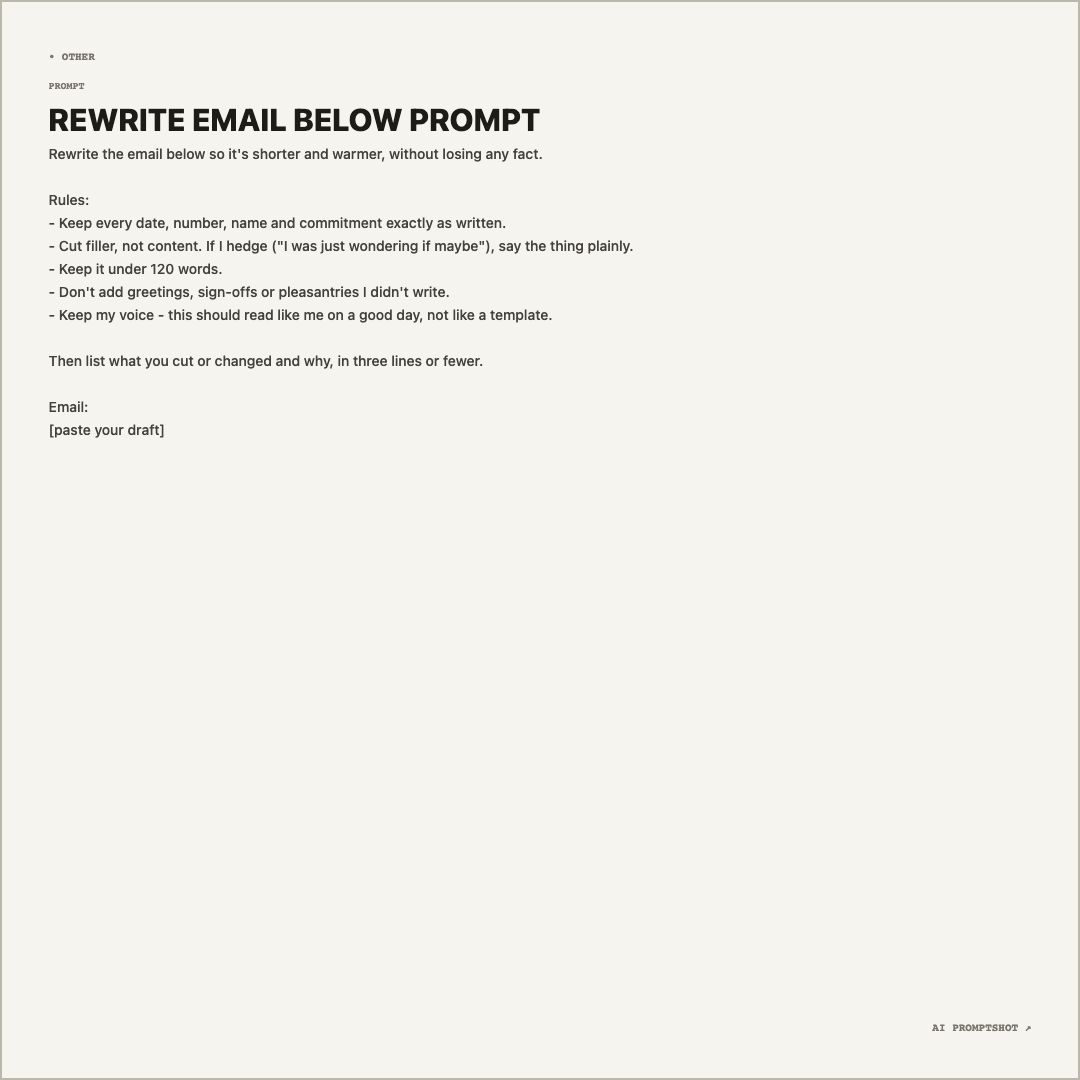
Rewrite the email below so it's shorter and warmer, without losing any fact.

Rules:
- Keep every date, number, name and commitment exactly as written.
- Cut filler, not content. If I hedge ("I was just wondering if maybe"), say the thing plainly.
- Keep it under 120 words.
- Don't add greetings, sign-offs or pleasantries I didn't write.
- Keep my voice - this should read like me on a good day, not like a template.

Then list what you cut or changed and why, in three lines or fewer.

Email:
[paste your draft]
Text in square brackets is a placeholder: paste your draft email in its place before you send the prompt.
Why the Minimal template fits
Minimal is the quietest card on the site: the same warm gray-white as Clean (#f5f4ef) with near-black text, but in the 1080 × 1080 Square, carrying no platform name - just a neutral • OTHER mark. An email-rewrite prompt is short, personal, and tool-agnostic, which is exactly Minimal's brief: the emptiness frames the text instead of decorating it, and nothing on the card advertises where you ran it.
The square shape matters practically too. This is the kind of prompt people forward to colleagues ("this fixed my email habit"), and a square card displays uncropped in a chat preview or a feed without anyone tapping to expand it.
What makes this prompt work
- Facts are frozen before style is touched. Dates, numbers, names, commitments: the four things that actually matter in a work email are protected by the first rule, so the rewrite can be aggressive everywhere else.
- The hedging habit is named. "Say the thing plainly" gives the assistant a specific edit to make, not a vibe to chase. Everyone's draft has its own version of "I was just wondering if maybe" - naming the pattern cuts it.
- No invented pleasantries. Left alone, assistants often add "Hope this finds you well" to everything. Banning additions keeps the email yours; check the change log to confirm none slipped in.
- The change log makes it auditable. "List what you cut and why" turns trust into verification. If a fact moved, this list is the first place it should show up, which saves you diffing two versions by eye.
- "My voice on a good day" sets the target. Not formal, not casual - yours, tidied. That single phrase steers away from the corporate-template register that makes rewritten emails so recognizable.
Variations
For a complaint you want kept firm
Warmth isn't right for every email. When you need steel, say so, and define where it lives.
Keep it firm, not warm: state the problem, the impact, and what I want done. Polite words, no softening of the ask. No apology unless I actually made one.
For a cold email to a stranger
Cold email lives or dies in two lines. Point the rewrite at the opening and cap the whole thing harder.
This is a cold email. The first line must give them a reason to read the second - no "hope you're well." Under 90 words total, one clear ask at the end.
For non-native speakers
Keep the voice rule and narrow the edits to correctness; the goal is your email, error-free, not a different email.
English isn't my first language. Fix grammar and unnatural phrasing only - don't restructure sentences that are already correct, and flag any change you're unsure about instead of making it silently.
Adapting it to your own work
The two lines worth memorizing here are "keep every fact exactly as written" and "list what you cut and why." Any rewrite prompt - a bio, a cover letter, a product description, a Slack message you're overthinking - gets safer and better with those two guards in place.
One honest caveat for reuse: read the rewrite before sending, every time. The frozen-facts rule makes drift less likely, but the email goes out under your name, which makes you the final editor whatever the prompt says.