The prompt
Be my interviewer for a [role] role at [company type]. The job ad and my CV are pasted below. I have [X years] in [field].

Run a mock interview:
- One question at a time, then wait for my answer.
- Mix: two experience questions, two scenario questions, and one question about the weakest part of my CV.
- After each answer: one line on what landed, one line on what was missing, then the next question.
- Stay in character - no lectures, no general interview advice mid-session.
- After the last question, list my three weakest answers, and for each give a stronger opening line I could have used.

Job ad:
[paste job ad]

My CV:
[paste CV]
Text in square brackets is a placeholder: fill in the role and your experience, and paste the real job ad and your CV, before you send the prompt.
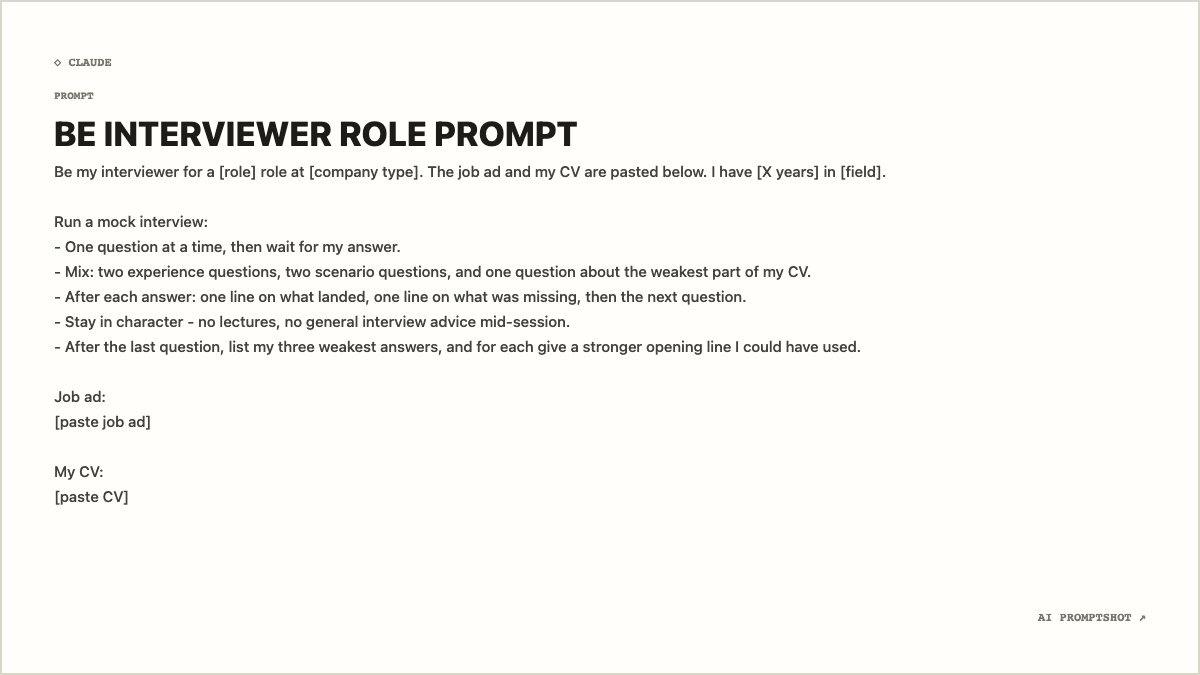
Why the Research template fits
Research is the brightest of the light templates: dark gray text on near-white paper (#fffefa) with a fine border (#d9d6cc), on the 1200 × 675 Landscape canvas, with the Claude mark. A mock-interview prompt is a working document - job ad slot, CV slot, a list of session rules - and Research's bright, wide card presents blocks like that as a clean brief, with the export keeping every line break intact.
It also fits the destination. Interview-prep cards get saved into job-search folders, shared with a friend who's coaching you, or posted in career communities; a sober, document-like card reads credibly in all three, where a gradient social card would undersell the seriousness.
What makes this prompt work
- It runs on the real documents. A mock interview from a pasted job ad asks the questions that ad actually implies; one from "a marketing role" asks everyone's questions. The CV slot does the same for your side - including the part you'd rather not be asked about.
- One question at a time, always. Without this rule you get a list, and a list lets you rehearse mentally instead of answering. Being made to respond, then wait, is the practice.
- Per-answer feedback in two lines. "What landed, what was missing" is fast enough to keep the interview moving and specific enough to act on. Long feedback mid-session breaks the spell and the pace.
- Stay-in-character is stated. Assistants tend to slip into coach mode with general tips. Banning it keeps the pressure realistic; the coaching is saved for the debrief, where it belongs.
- The debrief targets the three weakest, with openers. Not a vague "be more confident" - your actual three worst answers, each with the first line of a better version. That's a revision list you can drill the next day.
Variations
For a phone screen
Phone screens are speed rounds: shorter questions, quicker judgment calls, less depth. Tune the session to match.
This is a 20-minute recruiter phone screen: shorter questions, faster pace, more about motivation and salary expectations. Keep your feedback to one line per answer.
For a technical panel
Add a thinking-out-loud rule, which is what technical panels actually score.
Include one problem-solving question. When I answer it, I'm thinking out loud - interrupt only if I've been silent for a while or I've gone down a dead end, the way a real panel would.
For practicing pushback
Some interviewers challenge every answer to see how you hold up. Practice that separately so it doesn't rattle you on the day.
After my two strongest answers, push back once - challenge the decision or the number - and see how I respond. Note in the debrief whether I defended with evidence or just folded.
Adapting it to your own work
The reusable core is: real documents in, one exchange at a time, feedback per turn, debrief at the end. That loop works for any high-stakes conversation - salary negotiation, a difficult review, a pitch, a viva. Change the role and the materials; keep the rhythm.
Two habits make this one earn its keep. Answer out loud, not in your head - the stumbling is the information. And rerun it with a different company's ad the week before the real thing; variety stops you rehearsing answers to one imaginary interviewer.