The prompt
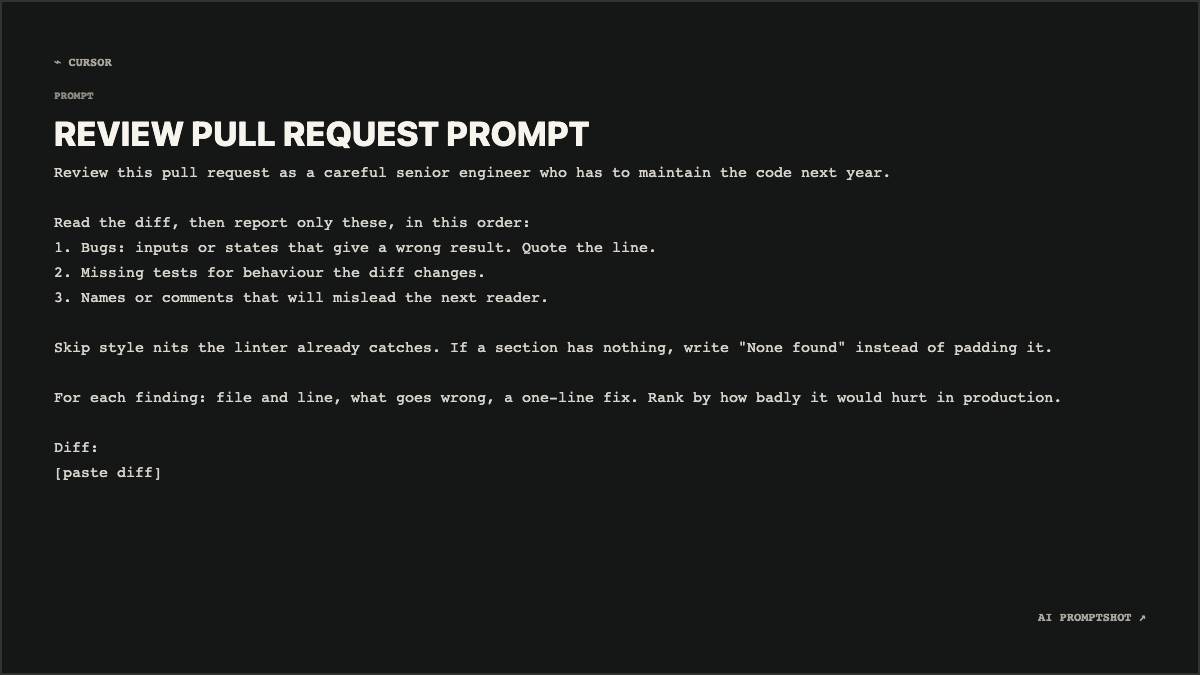
Review this pull request as a careful senior engineer who has to maintain the code next year.

Read the diff, then report only these, in this order:
1. Bugs: inputs or states that give a wrong result. Quote the line.
2. Missing tests for behaviour the diff changes.
3. Names or comments that will mislead the next reader.

Skip style nits the linter already catches. If a section has nothing, write "None found" instead of padding it.

For each finding: file and line, what goes wrong, a one-line fix. Rank by how badly it would hurt in production.

Diff:
[paste diff]
Text in square brackets is a placeholder: replace it with your own notes, diff or draft before you send the prompt.
Why the Developer template fits
Developer is the only template that sets the prompt body in monospace. That matters more here than with most prompts, because the text talks about diffs, file names and line numbers, and monospace makes it look at home next to code. The near-black card and the default ⌁ CURSOR label say "engineering" before anyone reads a word.
The Landscape canvas (1200 × 675) suits where this image tends to go: a contributing guide, the documentation for a pull request template, or a post about how a team reviews with AI. In a GitHub discussion the image keeps the numbered list exactly as written, where Markdown might renumber it or run it together.
What makes this prompt work
- The persona comes with a reason. "A careful senior engineer who has to maintain the code next year" beats "an expert" because it explains why something matters: code that will be hard to change later is a problem even if it works today.
- Three categories, in a fixed order. Bugs, then missing tests, then misleading names. The order is the ranking, so a reader with time only for the first section still sees the findings that count.
- It asks for the line, the failure and the fix. Quoting the line keeps each finding checkable. "What goes wrong" forces a concrete failure instead of a vague worry, and "a one-line fix" stops a finding turning into an essay.
- Empty sections are allowed. Telling the model to write "None found" takes away the pressure to fill every heading. Without it, you often get invented concerns under tests simply because the heading exists.
- Style is ruled out in one line. If your project runs a linter and a formatter, comments on formatting are noise. Saying so removes a large share of a typical review.
Variations
A separate security pass
Swap the three categories for security ones and keep the format rules. Run it as a second pass rather than folding it into the main review, so neither list gets diluted.
Report only: 1. Untrusted input reaching a query, shell or HTML. 2. Missing auth or permission checks. 3. Data logged or sent somewhere it should not be.
Reviewing your own change before you open it
Paste your pull request description above the diff and ask for mismatches. It is a quick way to catch the change you forgot you made.
Here is my PR description, then the diff. Flag anything the diff does that the description does not mention.
For a junior teammate
Keep the categories and ask for each finding to explain the idea behind it. The review gets a little longer and becomes something the author learns from.
After each fix, add one sentence on the general principle, written for someone in their first year.
Adapting it to your own work
Put your project’s conventions in a short line above the diff, such as the test framework and whether the code uses exceptions or returned errors, so the review doesn’t recommend patterns your codebase avoids. If you use it inside a coding tool, save it as a reusable instruction and paste only the diff each time.