The prompt
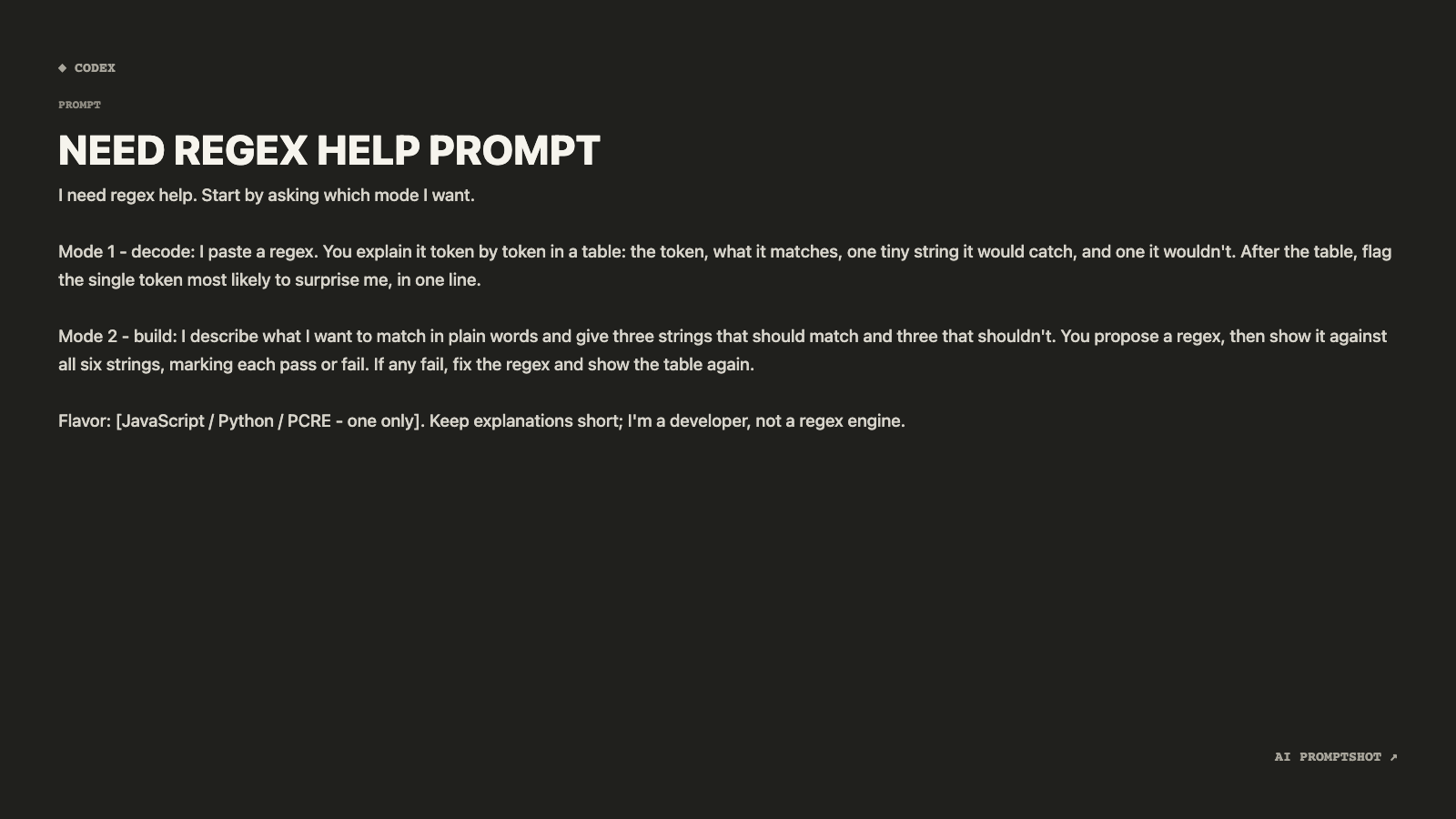
I need regex help. Start by asking which mode I want.

Mode 1 - decode: I paste a regex. You explain it token by token in a table: the token, what it matches, one tiny string it would catch, and one it wouldn't. After the table, flag the single token most likely to surprise me, in one line.

Mode 2 - build: I describe what I want to match in plain words and give three strings that should match and three that shouldn't. You propose a regex, then show it against all six strings, marking each pass or fail. If any fail, fix the regex and show the table again.

Flavor: [JavaScript / Python / PCRE - one only]. Keep explanations short; I'm a developer, not a regex engine.
Text in square brackets is a placeholder: keep only the regex flavor you actually use before you send the prompt.
Why the Terminal template fits
Terminal is the dark, wide template: near-black background (#20201d) with pale text on the 1600 × 900 Presentation canvas, carrying the Codex mark. Regex is command-line material - compact, exact, unforgiving - and Terminal is the only template wide enough and dark enough to look native to it. The 1600-pixel canvas gives the two-mode structure room: mode blocks, flavor line, and rules all sit in their own rows, and the export keeps the line breaks that keep them separate.
This is also the card that belongs in engineering spaces - a cheatsheet gist, a team wiki's regex page, a dev social post - where a light template would read as something pasted from a slide deck.
What makes this prompt work
- Two modes, declared up front. "Decode" and "build" are different jobs with different inputs, and separating them stops the assistant from half-doing both. Asking which mode first also means the prompt works pasted cold, with nothing else.
- Every token gets a match and a no-match. One example of each per token is what turns an explanation into understanding - the boundary of a pattern is where regex knowledge actually lives.
- Six strings make building testable. Three positive, three negative, and the pattern has to be shown against all of them in a table. That is the difference between "here's a regex" and "here's a regex with a test table you can rerun yourself."
- The flavor is pinned. JavaScript, Python and PCRE disagree on lookbehinds, flags and escapes in ways that matter. One line names the dialect and rules out a whole category of subtly wrong answers.
- "Most likely to surprise me" gets a spotlight. In any regex there's usually one token doing something non-obvious - a greedy quantifier, a word boundary. Asking for it by name surfaces the trap while you're still reading the table.
Variations
For validation rules
When the regex guards a form, the negative examples carry the security weight - sharpen them.
Mode 2, for input validation. My three "should not match" strings are attack-shaped: [paste]. Treat them as must-fail, and say so if the pattern can't exclude them cleanly.
For learning, not just solving
Flip decode mode into a quiz: you predict, it checks. Ten minutes of this is far more active than reading tables.
Decode mode, but quiz me first: show me one token at a time and ask what it matches before you reveal it. Correct me in one line, then the next token.
For knowing when not to use regex
Some problems only look like regex problems. Adding an escape hatch keeps the assistant honest and saves you a maintenance nightmare.
First, one line: is regex actually the right tool for this, or is it a parser's job? If it's a parser's job, say so and stop.
Adapting it to your own work
The pattern worth taking from this example is bigger than regex: define the modes, pin the dialect, and demand a check against positive and negative examples. It transfers to anything with strict syntax - cron expressions, SQL window functions, git filters, date formats, glob patterns.
Keep the six-string contract especially. Three matching and three non-matching examples, chosen so the boundary cases are in there, is the cheapest specification you will ever write - and it works on colleagues as well as it works on assistants.