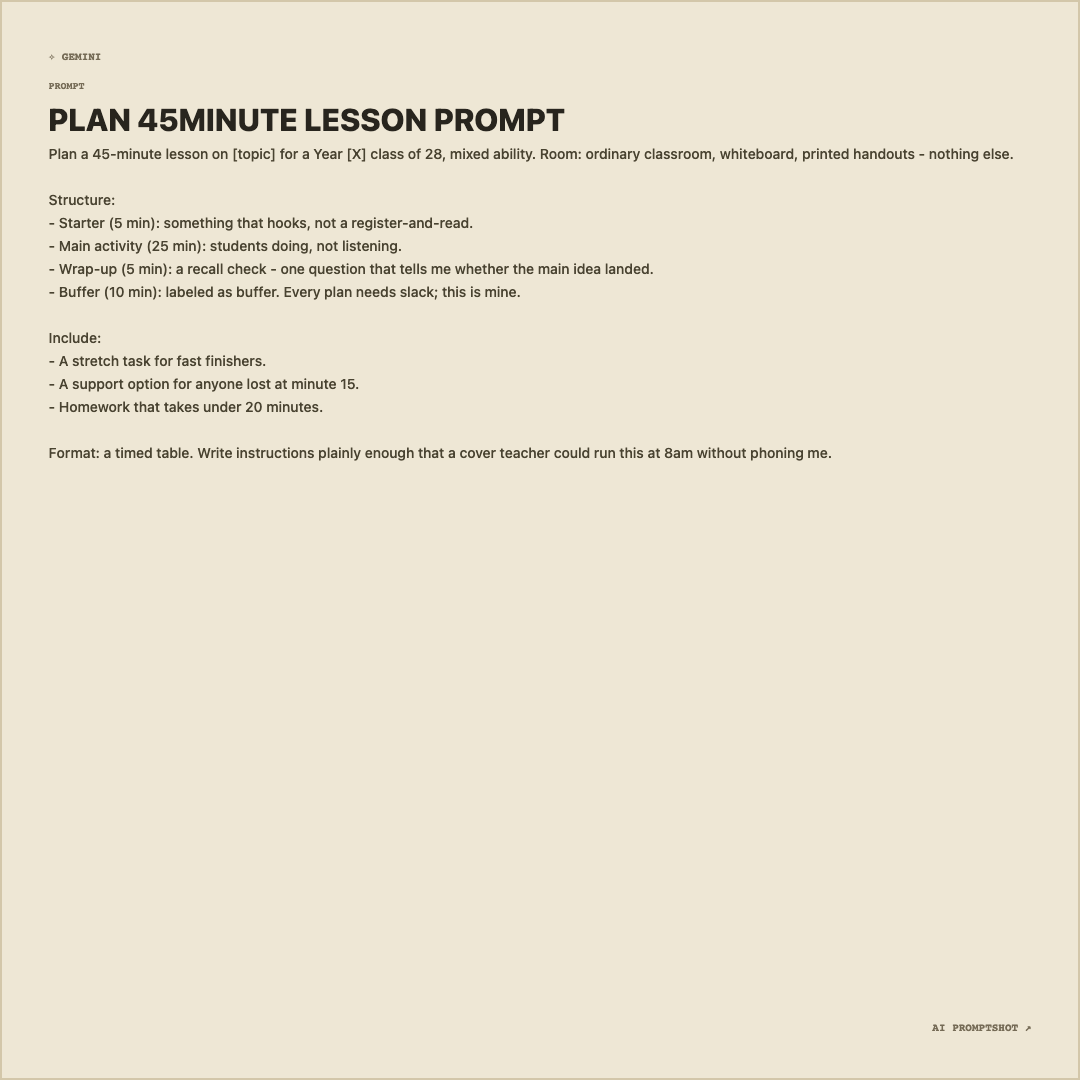
The prompt
Plan a 45-minute lesson on [topic] for a Year [X] class of 28, mixed ability. Room: ordinary classroom, whiteboard, printed handouts - nothing else.

Structure:
- Starter (5 min): something that hooks, not a register-and-read.
- Main activity (25 min): students doing, not listening.
- Wrap-up (5 min): a recall check - one question that tells me whether the main idea landed.
- Buffer (10 min): labeled as buffer. Every plan needs slack; this is mine.

Include:
- A stretch task for fast finishers.
- A support option for anyone lost at minute 15.
- Homework that takes under 20 minutes.

Format: a timed table. Write instructions plainly enough that a cover teacher could run this at 8am without phoning me.
Text in square brackets is a placeholder: fill in the topic and year group, and change the class size and room if yours differ.
Why the Notebook template fits
Notebook is the paper template: beige card (#eee7d5) with brown-black text on the 1080 × 1080 Square, carrying the Gemini mark. A lesson plan belongs on something that looks like it lives in a planner - Notebook's page-like warmth matches the context, the way a study prompt does, and the square card displays without cropping in the staff-room group chats where teaching resources actually circulate.
The prompt itself is a tidy set of blocks - context, structure, includes, format - and the export keeps the line breaks, so on Notebook's square it reads like the front of a lesson-plan pad rather than a wall of instructions.
What makes this prompt work
- The room is described as it is. "Ordinary classroom, whiteboard, handouts, nothing else" closes off the plans that assume a lab, laptops, or a teaching assistant. Constraints that sound dull are the ones that make a plan runnable.
- Students doing, not listening. Stated as a rule, it changes what the main activity can be. Twenty-five minutes of talking is a common failure of generated plans; this line rules it out.
- The buffer is labeled on purpose. Unlabeled slack gets eaten by the starter running long and nobody notices until the wrap-up vanishes. Calling it buffer in the plan keeps the recall check - the highest-value five minutes - protected.
- Both edges of the room are covered. A stretch task and a support option in the same plan: fast finishers get direction instead of disruption, strugglers get a route back instead of fifteen lost minutes.
- The cover-teacher test. "Plainly enough to run at 8am without phoning me" is a readability standard with teeth. If a competent stranger can't run it, it isn't a plan, it's your notes.
Variations
For a training workshop with adults
Adults need the same structure with different stakes - swap the school lines, keep the skeleton.
Plan a 90-minute workshop on [topic] for 12 colleagues, mixed experience. Same structure: hook, doing-not-listening activity, recall check, labeled buffer. Add one discussion prompt for the table that finishes early.
For a double period
Ninety minutes is two lessons with a bridge, not one long lesson - say so.
This is a double period (90 minutes). Plan it as two 40-minute blocks with a 5-minute movement break between, and a recall check at the end of each block.
For a room with nothing
Low-tech rooms are a constraint, not an apology - one line adjusts everything.
No projector and no printing: whiteboard only. Every activity must run on what students have in their bags.
Adapting it to your own work
The exportable skeleton is: describe the room, make the learners do the work, label the slack, cover both ability edges, and write for a stranger. Trainers, coaches, scout leaders, workshop facilitators - the same five moves work in any room with a clock and a group.
Reuse it weekly and one habit pays for itself: after each lesson, note in one line what actually happened to the timings, and paste that back into next week's prompt ("the starter always runs 5 minutes over"). Over a few weeks, the plans get closer to your real classroom.