Prompt examples, explained
Last updated · By the AI PromptShot team · Editorial policy
Each page here is one complete prompt you can copy and use, followed by the reasoning behind it: which parts do the work, which template shows it off best, and two or three ways to bend it to a different job.
The examples
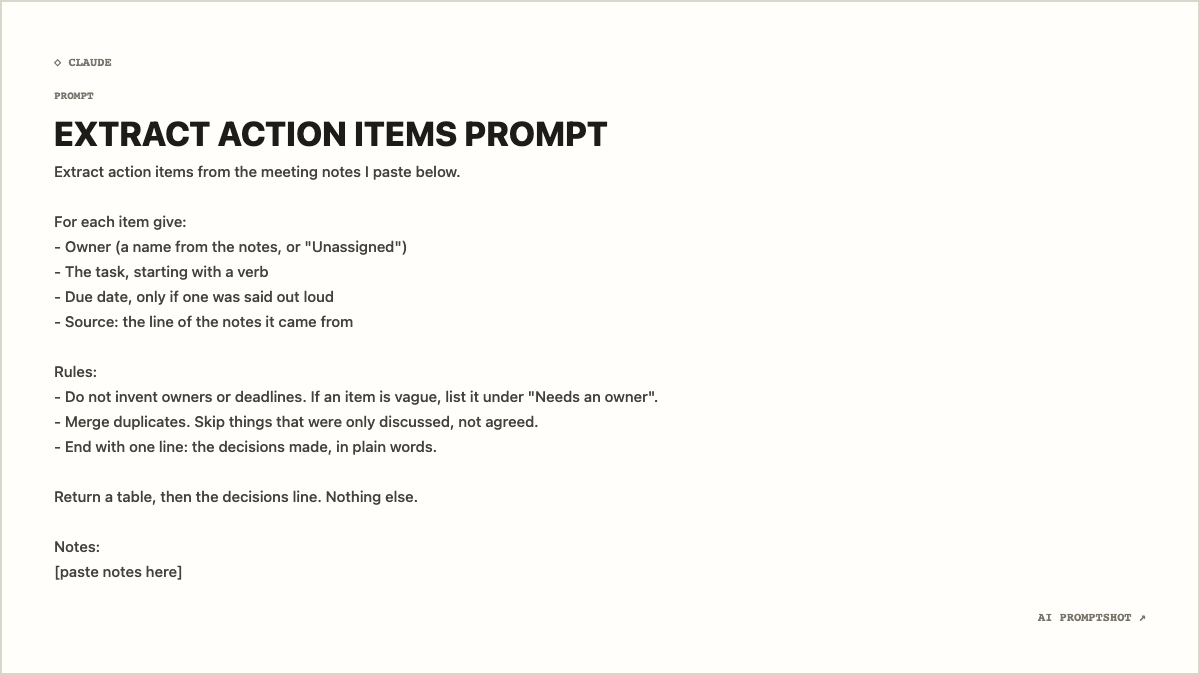
Meeting notes to action items, without invented owners
Turns rough notes into a table of owners, tasks and dates, and refuses to guess the ones nobody agreed to.
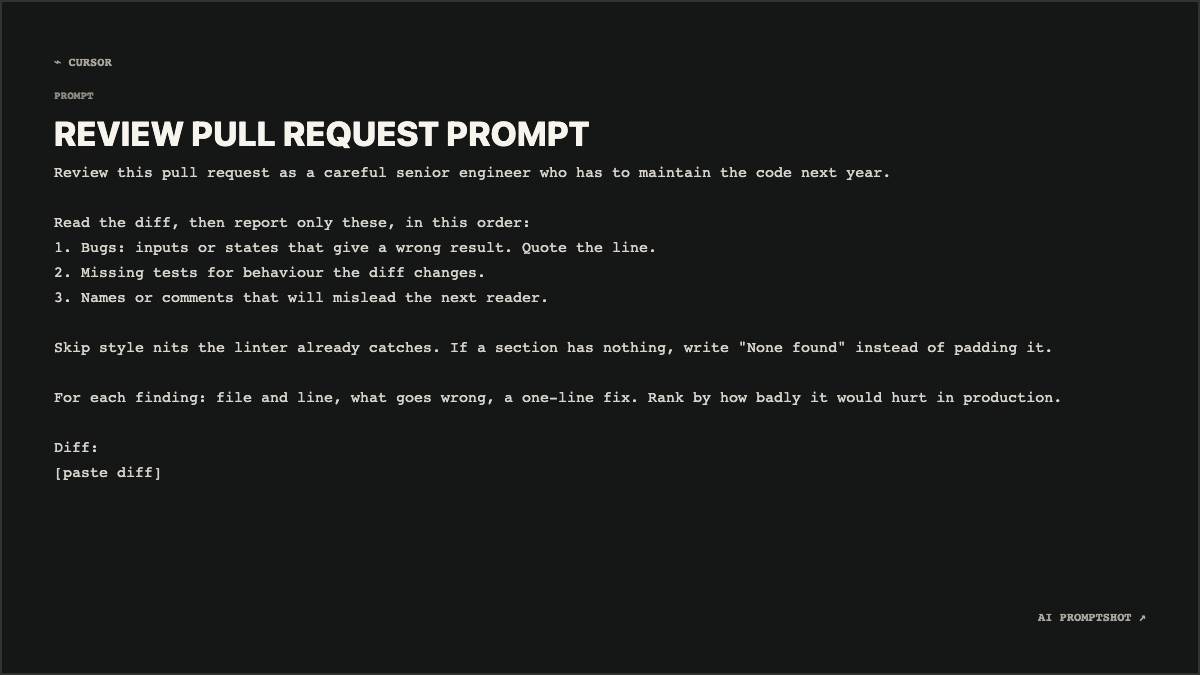
A pull request review prompt that reports bugs, not style
A review that ranks real bugs first, allows empty sections, and leaves formatting to your linter.
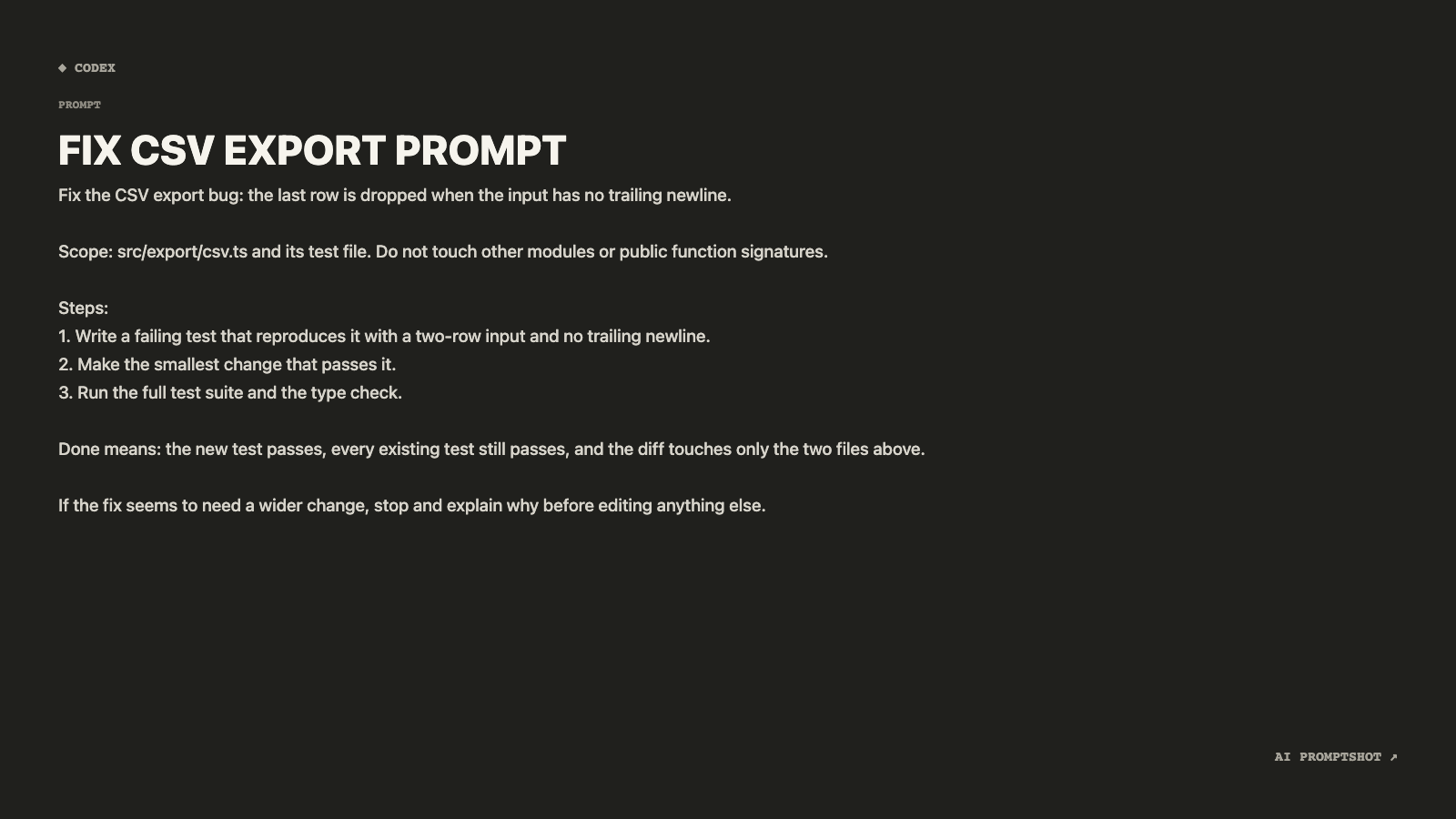
A bug-fix task for a coding agent, with scope and a definition of done
A small spec for an agent: one bug, two files, a failing test first, and a clear point to stop and ask.
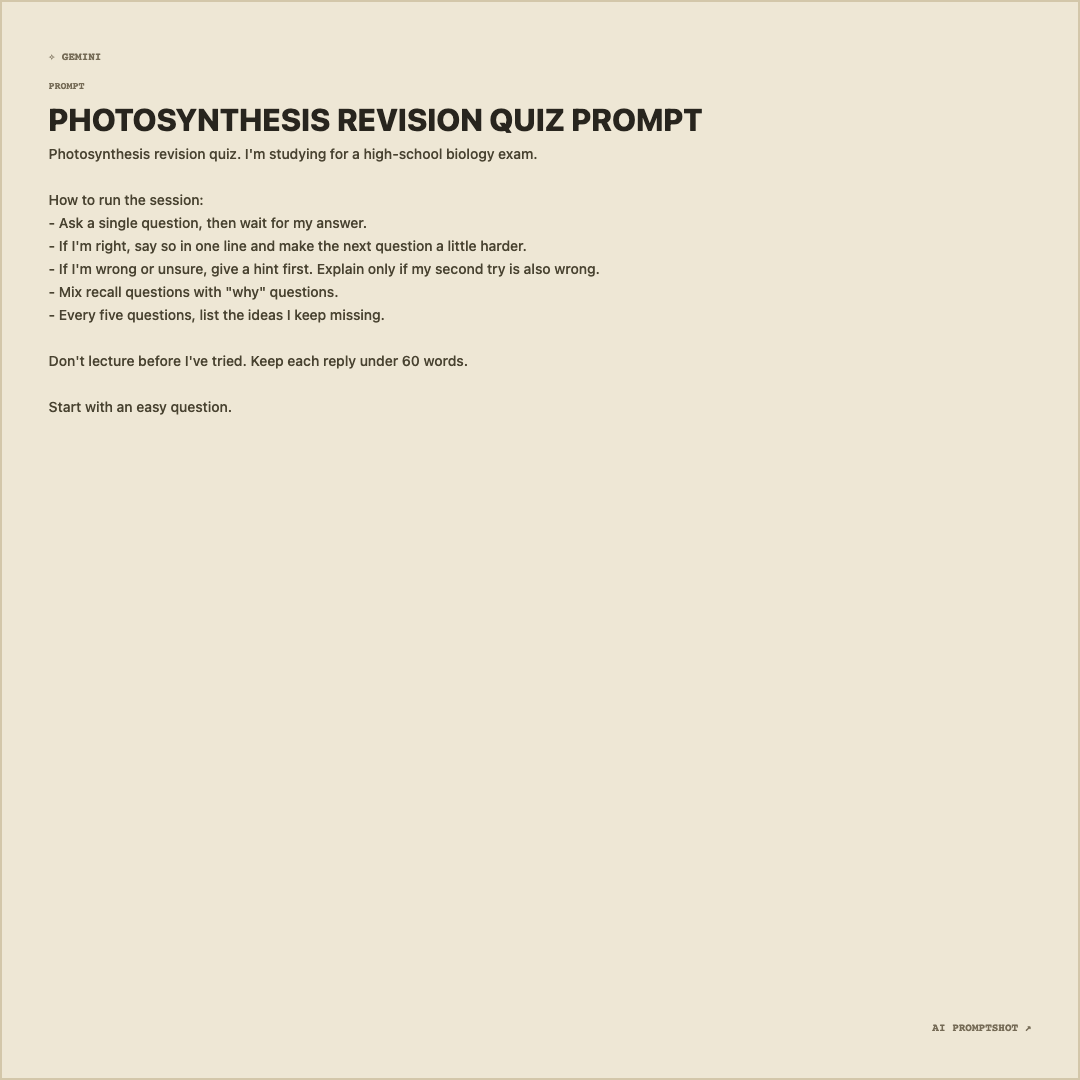
A study tutor prompt that quizzes you instead of lecturing
Turns a chat assistant into a quiz partner: one question at a time, hints before answers, a list of gaps.
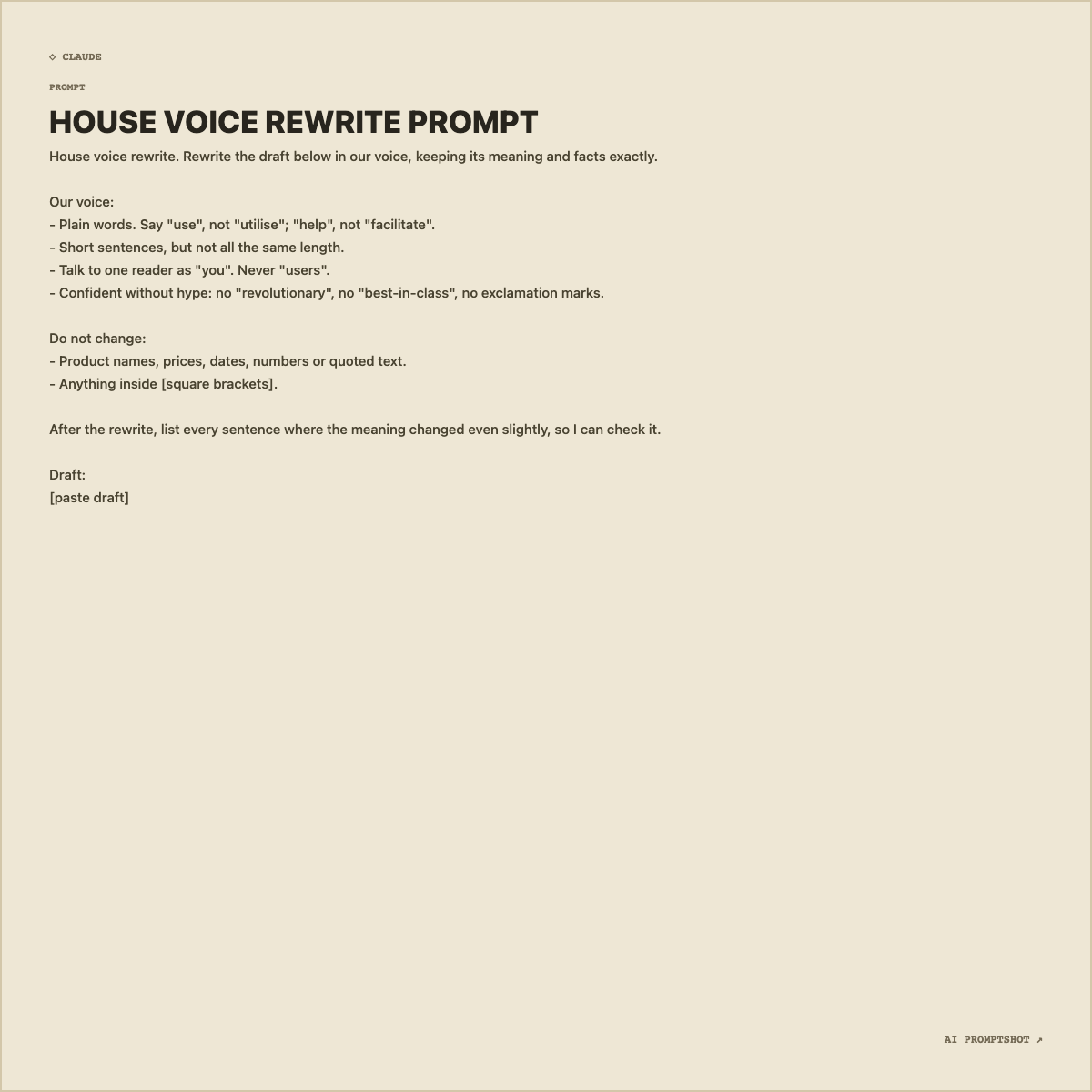
A brand voice rewrite prompt that protects the facts
Voice rules with examples, a list of things that must not move, and a report of where meaning may have shifted.
Where these prompts come from
We wrote every prompt in this section for this site; none of them is collected from users or copied from somewhere else. Each one was pasted into the AI PromptShot editor with its template’s default settings, and the image on its page is that export, unedited. The images show how a prompt reads as a card, which is the thing this tool does.
What they do not show is how a particular AI model answers. Answers change between models, versions and even two runs of the same prompt, so we do not publish sample responses as if they were proof. The pages explain why each instruction is there instead, so you can judge it against your own results. The how we write and test page covers this in more detail.
How to get the most out of an example
Read the “what makes this prompt work” section before you change anything. Most of these prompts look longer than they need to be, and the extra lines are usually the ones preventing a specific failure: invented deadlines, padded code reviews, an agent that edits files it was never asked to touch. If you trim, trim from the variations rather than from the rules.
When you have a version that works for you, keep it somewhere your team can find it. A prompt card on a wiki page is harder to quietly edit than a paragraph of text, which is the main reason people turn prompts into images. The sharing guide explains the options, and the template comparison helps you pick a look.