The prompt
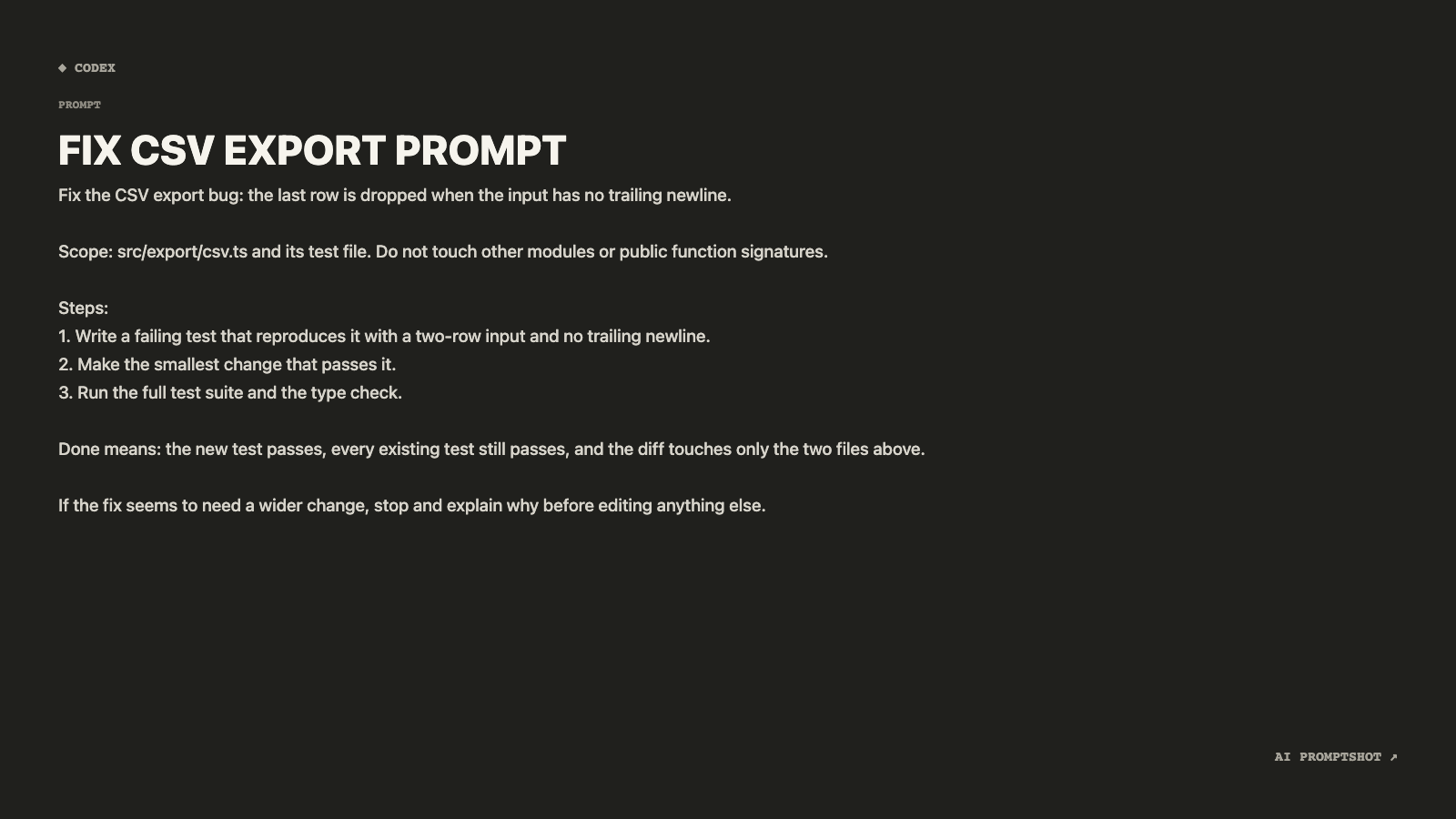
Fix the CSV export bug: the last row is dropped when the input has no trailing newline.

Scope: src/export/csv.ts and its test file. Do not touch other modules or public function signatures.

Steps:
1. Write a failing test that reproduces it with a two-row input and no trailing newline.
2. Make the smallest change that passes it.
3. Run the full test suite and the type check.

Done means: the new test passes, every existing test still passes, and the diff touches only the two files above.

If the fix seems to need a wider change, stop and explain why before editing anything else.
Text in square brackets is a placeholder: replace it with your own notes, diff or draft before you send the prompt.
Why the Terminal template fits
Terminal is a warm charcoal card on the Presentation canvas, 1600 × 900. That is the largest preset, and the template draws the biggest type of the eight. Task specs like this are mostly shown to other people on a slide in a talk about working with agents, or on a runbook page. Large type survives being shrunk onto a slide, and the dark card reads as command-line work.
The default label is Codex, which fits a task you would run from a terminal. One thing to know: Terminal keeps the body in a sans-serif font. If you want the paths to look like code, Developer uses monospace, at the cost of a smaller canvas.
What makes this prompt work
- The bug is stated as a behaviour. "The last row is dropped when the input has no trailing newline" says what is wrong and under which condition. An agent can turn that sentence straight into a test, while "the CSV export is broken" would send it off exploring.
- Scope is a list of files plus what must not change. Naming two files is clearer than "keep it small". Ruling out signature changes protects every caller of the function, including the ones the agent never opened.
- The test comes first. A failing test before the fix proves the agent reproduced the bug rather than editing code near it. It also leaves a test behind, so the bug can’t quietly return.
- Done is something you can check. Three conditions, each verified by running a command or reading the diff. When the agent says it has finished, you know exactly what to confirm.
- There is an exit. The last line gives the agent permission to stop. Without it, an agent that discovers the fix needs a third file will usually just edit the third file.
Variations
When you don’t know where the bug lives
Replace the scope line with a request to find the cause and report it before changing anything. You approve the location, then send the fix as a second message.
First find where this happens. Report the file, the function and why, then wait before editing.
For a flaky test
Flaky tests need evidence before a fix. Ask the agent to run the test repeatedly and compare the passing and failing runs, and only then propose a change.
Run the test 20 times. Report how often it fails and what differs between passing and failing runs before changing any code.
As a standing instruction
Most of this prompt isn’t about this bug. Keep the steps, the done rule and the exit in your agent’s instructions file, and each new task shrinks to one sentence and a scope line.
For every bug fix: failing test first, smallest change, full test suite and type check, and stop to ask before widening scope.
Adapting it to your own work
Swap in your own paths, and replace "the full test suite and the type check" with the exact commands your project uses. Agents follow npm test more reliably than "run the tests". If some of your suites are slow, name the ones to run, or the agent may decide to skip all of them.