The prompt
Extract action items from the meeting notes I paste below.

For each item give:
- Owner (a name from the notes, or "Unassigned")
- The task, starting with a verb
- Due date, only if one was said out loud
- Source: the line of the notes it came from

Rules:
- Do not invent owners or deadlines. If an item is vague, list it under "Needs an owner".
- Merge duplicates. Skip things that were only discussed, not agreed.
- End with one line: the decisions made, in plain words.

Return a table, then the decisions line. Nothing else.

Notes:
[paste notes here]
Text in square brackets is a placeholder: replace it with your own notes, diff or draft before you send the prompt.
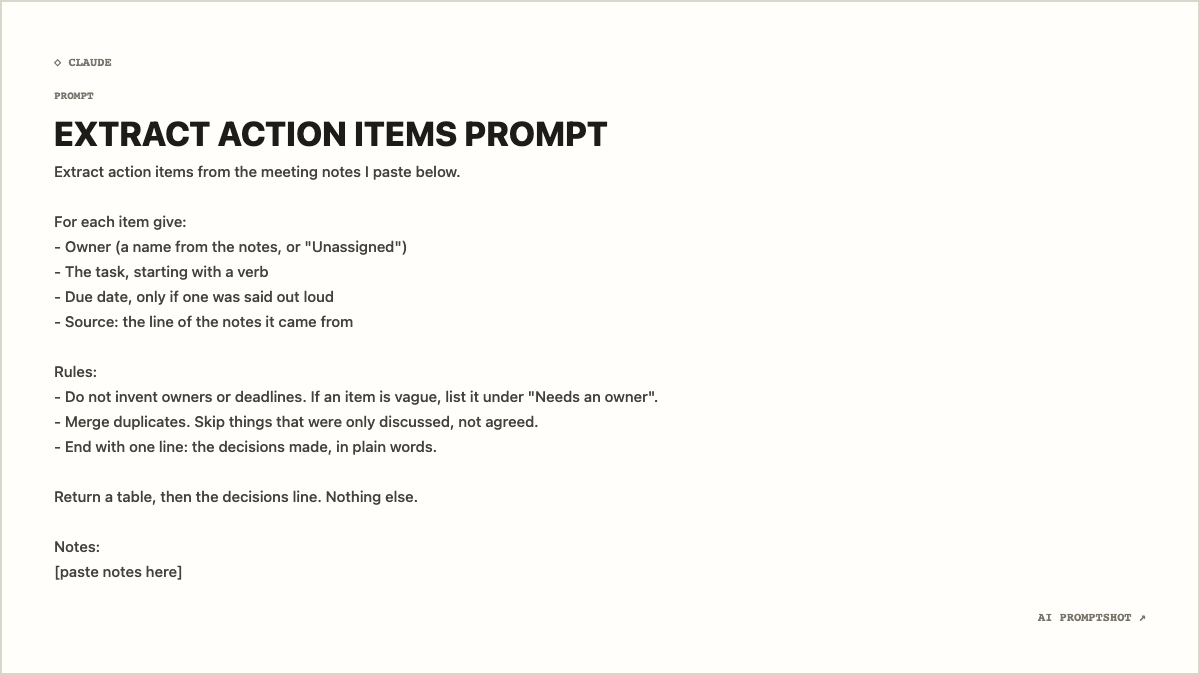
Why the Research template fits
Research is the whitest of the light templates: dark gray text on near-white paper, on the 1200 × 675 Landscape canvas. This prompt is mostly short lines in two lists and a block of rules. On a wide, bright card those lines read like a checklist, and the gaps between the blocks survive because the export keeps your line breaks.
It also suits where the prompt ends up. A meeting-process page in Notion or Confluence is usually white, so a near-white card sits inside it without a heavy frame, where a dark template would make a process note look like a code sample. Posted to a team channel instead, a Landscape image shows inline without anyone having to click it open.
What makes this prompt work
- It names the columns before asking for anything. Owner, task, due date, source. When the shape of the answer is fixed up front, the model spends its effort sorting the notes into that shape instead of deciding what a summary ought to look like. It also makes this week’s table comparable with last week’s.
- Every item has to cite its source line. This does most of the work. A model that has to quote where an action came from finds it much harder to produce one that isn’t there, and when it does slip, you see it at once because the source cell is empty or doesn’t match.
- Vague items get a place to go. Without the "Needs an owner" bucket, the model has two choices for a half-agreed task: drop it or assign it. Both are wrong. Offering a third option is cheaper than writing a longer rule about not guessing.
- Discussion is left out on purpose. Meetings produce far more talk than commitments. "Skip things that were only discussed" keeps the table short enough that people read it.
- It says what not to add. "Nothing else" removes the friendly paragraph of meeting highlights most assistants add by default. You can always ask for that separately.
Variations
For a standup or a short sync
Drop the source column and the decisions line, and cap the table. Short meetings rarely need an audit trail, and a smaller table is quicker to paste back into the channel.
Return at most five rows. Columns: owner, task, due date.
When the notes are a transcript
Automatic transcripts are long and full of half-sentences. Tell it to ignore small talk and to use the transcript’s speaker labels as owners, so names are spelled the way the recording tool spelled them.
The notes are an automatic transcript. Use the speaker labels as owner names, and ignore greetings and small talk.
For a follow-up email
Keep the extraction rules and change only the output. Asking for a short email with the items underneath gives you something to send straight after the call, and the rules about owners still hold.
Return a follow-up email under 120 words, with the action items as a list below it.
Adapting it to your own work
Change the columns to match the fields your task tracker uses, and the table will paste into it with less tidying. If your team writes notes from a fixed template, mention its headings (for example "Decisions" and "Next steps") so the model knows where commitments usually live. Whatever else you change, keep the line about not inventing owners or deadlines. It is the reason this prompt exists.