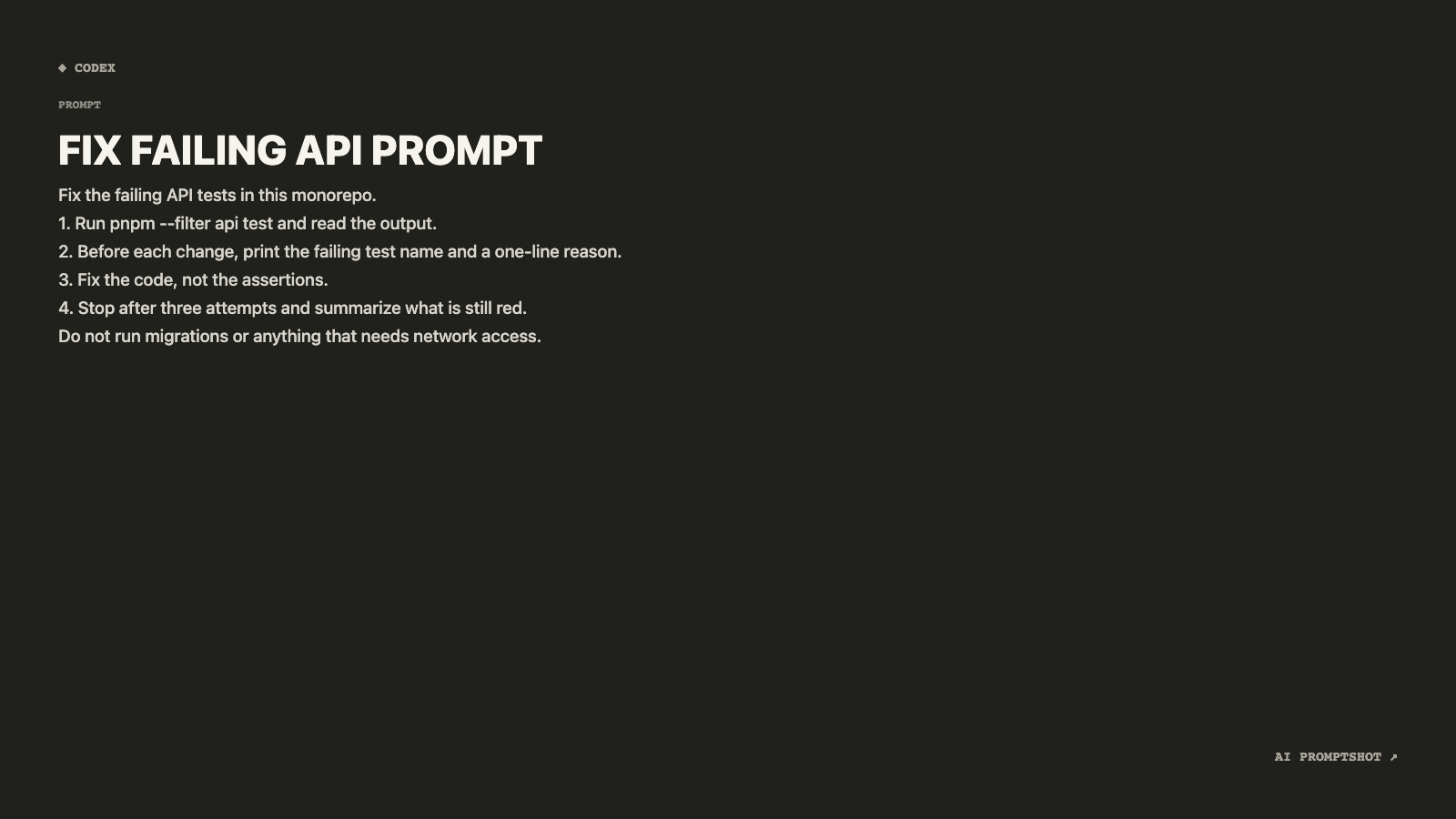
What Terminal looks like
The background is a warm charcoal (#20201d) with no border, closer to a dark-mode editor than to pure black. Its Presentation size (1600 × 900) is the largest preset, so this template draws the biggest type of the eight: the title is set at 45 pixels and the prompt at up to 19, which keeps it legible after the image is shrunk onto a slide.
Numbered steps look clean here because the canvas is wide enough that most lines never wrap. The ◆ CODEX mark sits at the top left and the brand mark at the bottom right, both in small gray monospace.
When to pick Terminal
Pick Terminal for a talk, a demo, a team walkthrough or the wide header image of a blog post: anywhere the prompt appears at 16:9 on a big screen. Multi-step instructions for Codex, Claude Code or a build script suit its shape.
If the prompt contains real code and needs monospace, use Developer, or keep Terminal's 1600 × 900 Presentation size and switch the theme to Developer in the editor. For a social post, a 1600-pixel image is more than you need; Social or Clean fit a feed better.
- CLI tool prompts
- agent instructions
- system prompts
- shell-style workflows
The example prompt
Fix the failing API tests in this monorepo.
1. Run pnpm --filter api test and read the output.
2. Before each change, print the failing test name and a one-line reason.
3. Fix the code, not the assertions.
4. Stop after three attempts and summarize what is still red.
Do not run migrations or anything that needs network access.
A four-step brief for a coding agent. On the wide canvas each step stays on one line, so the list reads as a checklist instead of wrapping into a paragraph.
Tips for Terminal
- One instruction per line. Break the prompt into short lines before exporting. On a canvas this wide a line rarely wraps, so steps you number in the editor stay visually separate in the image.
- Try it at slide size. Drop the PNG onto a slide and stand back from the screen. The large type is there for exactly this situation; if you still can't read it, cut words rather than shrinking anything.
- Scrub what you copied from a real session. Prompts lifted from a terminal often carry real hostnames, internal paths or tokens. A sharp, wide image makes them easy to read for everyone, so replace them with placeholders first.