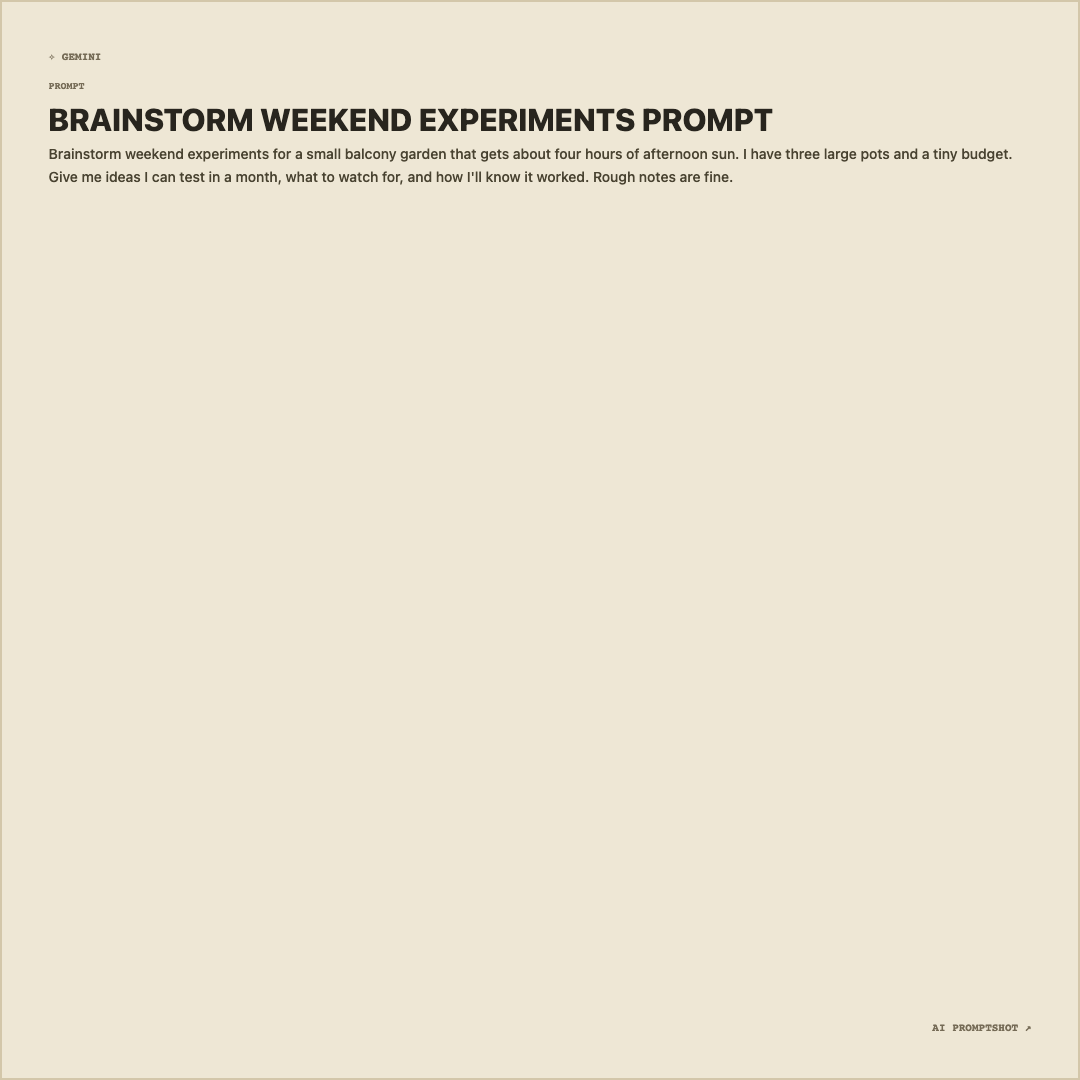
What Notebook looks like
It shares Editorial's beige paper (#eee7d5), tan border and brown-black text, but in the standard 1080-pixel Square, so the type is drawn a touch smaller and the file comes out a little lighter. The ✧ GEMINI mark sits at the top left.
With a short, casual prompt the text fills the first few lines and the rest of the page stays blank. That suits what the template is for: it looks like the first page of a notebook with one idea jotted down, not a finished document.
When to pick Notebook
Pick Notebook for work in progress: a prompt you're testing and want feedback on, an entry in a prompt journal, a "here's what I'm trying this week" post. The warm color reads as personal and informal in a way the white and dark templates don't. It also suits teaching, when you want students to adapt a prompt rather than treat it as finished.
If the prompt is polished and long, move to Editorial, which has the same palette on a bigger canvas. If it's informal but needs to be louder in a feed, Social is the eye-catching option.
- brainstorming prompts
- idea prompts
- experiment logs
- personal notes
The example prompt
Brainstorm weekend experiments for a small balcony garden that gets about four hours of afternoon sun. I have three large pots and a tiny budget. Give me ideas I can test in a month, what to watch for, and how I'll know it worked. Rough notes are fine.
An open brainstorming prompt with a couple of real constraints, three pots and four hours of sun. It explicitly allows rough notes, which is exactly the tone this template is meant to carry.
Tips for Notebook
- Keep the constraints in. What makes a brainstorming prompt worth sharing is the detail you gave the model. "A small balcony" is generic; "three large pots and four hours of sun" explains why your answers came out the way they did.
- Post the follow-up too. Notebook images work as a series: the first attempt, then the sharper prompt you wrote after seeing the reply. Export both with this template so they read as one thread.
- Name the tool you really used. Gemini is only the default mark. If you asked ChatGPT or Claude, set the platform in the editor so nobody tries your prompt in the wrong place.