Five weak prompts, rewritten, and why the rewrites work
Last updated · By the AI PromptShot team · Editorial policy
One of the fastest ways to get better at prompts is to watch a weak one get fixed. Not with theory - with the actual edit. Below are five prompts in the shape people really type them, each followed by a rewrite and the specific change that does the work.
None of these rewrites is longer than it needs to be. None adds more than sixty words. The skill is knowing which words.
1. The workout plan
Before
Write me a workout plan.
What goes wrong: the assistant knows nothing about you, so it writes a plan for nobody - generic splits, equipment you may not have, a schedule you may not keep. You'll spend more time fixing the plan than following it.
After
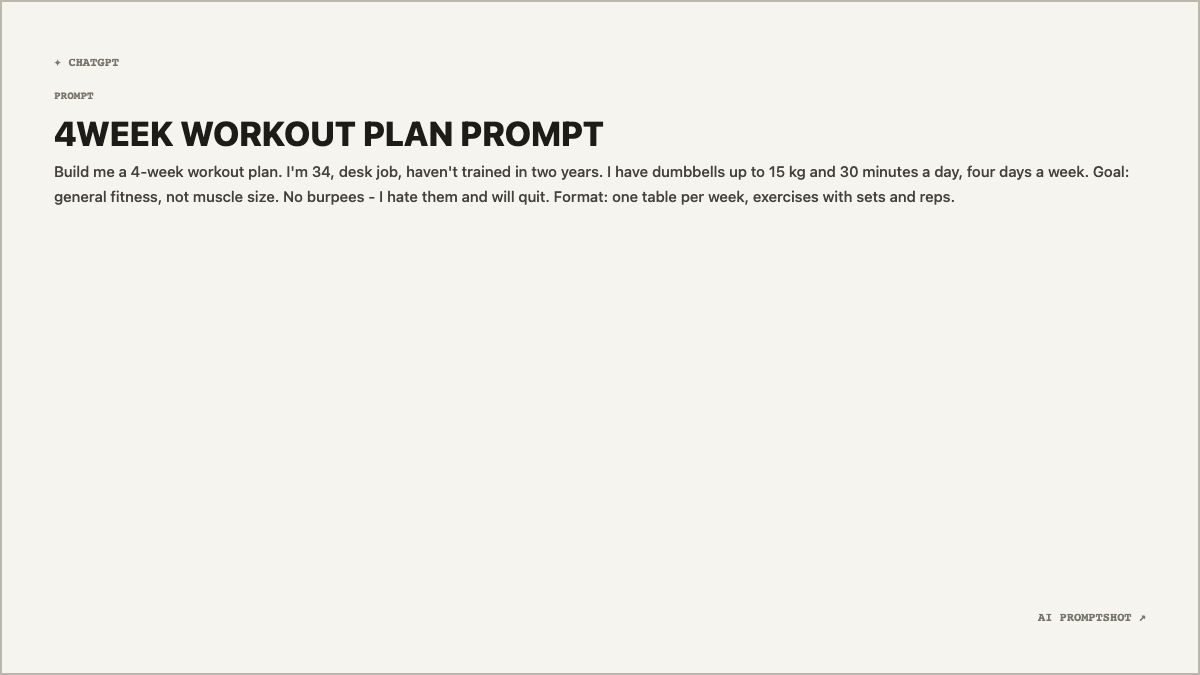
Build me a 4-week workout plan. I'm 34, desk job, haven't trained in two years. I have dumbbells up to 15 kg and 30 minutes a day, four days a week. Goal: general fitness, not muscle size. No burpees - I hate them and will quit. Format: one table per week, exercises with sets and reps.
Why it works: context (age, history, equipment, time), a real goal, one honest constraint (the burpees line matters more than it looks: it removes the one exercise this person has said would make them quit), and a format you can print.
2. The explanation request
Before
Explain recursion.
What goes wrong: "explain" with no audience gets you an encyclopedia entry. If you're a beginner it's too dense; if you code already it insults you. Either way you ask a follow-up, which you could have asked first.
After
Explain recursion to me like I'm learning Python as my first language, three months in. Use one everyday analogy first, then one short code example with a comment on each line. End with the single most common beginner mistake. Under 250 words.
Why it works: audience and level are stated, so the pitch is right. The analogy-then-code order tells it how to structure the answer. The length cap stops the drift. Asking for the common mistake turns a definition into a lesson. For a full study prompt built on the same idea, see the study tutor example.
3. The broken code
Before
This code doesn't work, fix it. [code]
What goes wrong: "doesn't work" covers everything from a typo to a wrong design. The assistant picks the most probable bug class and patches that, which may not be your bug. You get confident-looking edits that don't address your actual error.
After
This Python script should print one line per CSV row, but it prints nothing and exits with code 0. Expected vs actual output below the code. Python 3.12, no third-party libraries. Find the cause first and explain it in two sentences, then show the minimal fix - don't rewrite the whole script. [code]
Why it works: expected versus actual is one of the most useful things in a bug prompt. "Exits with code 0" rules out a crash. "Explain the cause first" forces diagnosis before editing, and "minimal fix" protects the rest of your file. The coding agent bug fix example applies the same smallest-change rule to a task for an agent.
4. The content ideas
Before
Give me blog post ideas about personal finance.
What goes wrong: this request is so common that the answer tends to be the average of every version of it. You get the ten ideas every finance blog has already published.
After
Suggest 8 blog post ideas for a personal finance blog aimed at UK freelancers in their first two years. The angle of the blog: irregular income, so advice that assumes a monthly salary doesn't apply. Avoid anything about cutting coffee or avocado toast - it's been done and it's condescending. For each idea: a working title and one line on why a freelancer would click it.
Why it works: a named audience with a specific situation, an angle that rules out the generic, an explicit "avoid" list, and a per-idea justification that lets you judge the ideas without opening eight drafts.
5. The summary
Before
Summarize this. [article]
What goes wrong: summarize for whom, to do what? A summary for your notes, for your boss, and for a tweet are three different texts. Without a purpose you get a shrunken version of the article that serves none of them.
After
Summarize this article for my team's weekly notes doc. Two short paragraphs: what it claims, and what evidence it gives. Then a line starting "So what for us:" - one practical takeaway for a small support team. Skip the author's biography and the company history section. [article]
Why it works: the destination ("our weekly notes doc") sets the register, the structure is dictated, the "so what" line forces the part summaries usually lack, and the skip list keeps padding out.
The pattern behind all five
Look at what every rewrite added: the situation, the audience, the limits, the shape of the answer. Nothing clever, nothing about the model. A weak prompt asks the assistant to read your mind; a strong one saves it the trouble by writing down what you already know.
If you take one habit from this page: before you send a prompt, read it as if a stranger wrote it. Everything you'd have to ask that stranger before starting the work belongs in the prompt.
A ten-second checklist
Run your next prompt against these before sending:
- Did I state the task as a verb?
- Did I paste the material, or just refer to it?
- Did I say who the answer is for?
- Did I give the one constraint that would ruin it if missing?
- Did I say what shape the answer should take?
Five questions, ten seconds, and it catches every weak prompt on this page.