How to write an AI prompt that gets a useful answer
Last updated · By the AI PromptShot team · Editorial policy
Most prompts that disappoint fail before the assistant reads a word. The ask lives in the writer's head: you know what a good answer looks like, but the prompt doesn't say it. So the assistant guesses, and the guess tends toward the average of everything it has seen, which reads like it.
The fix is not writing more. Plenty of long prompts ramble and plenty of two-line prompts work. The fix is making sure the prompt carries the five pieces of information a good answer depends on. You won't need all five every time, but you should know which ones you're leaving out and why.
The five parts
Role. Who the assistant should answer as. "You are a copy editor at a local newspaper" changes the vocabulary, the standards, and what gets flagged. One line is enough. Skip it when the task needs no particular expertise - asking for a pizza-dough ratio needs no persona.
Task. The single thing you want done, stated as a verb: critique, rewrite, plan, compare, explain. If you can't say the task in one sentence, you probably have two prompts. Split them. Assistants tend to handle "do this, then that" worse than two separate asks.
Context. What the assistant cannot see: your situation, your level, the actual material. This is where most prompts go thin. "Give me feedback on my introduction" hands over nothing; the assistant has never met your introduction. Paste the text. If the context is you - a beginner, a night-shift nurse, someone rebuilding after an injury - say that in a line.
Constraints. The limits a good answer must respect: word count, budget, equipment you own, ingredients you avoid, tools you're stuck with. Constraints feel like restrictions but they work like directions. "Suggest a team dinner" gets you restaurants you can't afford; "suggest a team dinner, eight people, under 25 a head, one vegetarian, near the office" gets you a shortlist you can use.
Format. How the answer should look: a table, five bullet points, an email you can send as-is, code with comments. If you're going to paste the answer into a document, say so - the assistant will skip the preamble and give you the text.
Putting it together
Here's a weak prompt most people have typed some version of:
Any thoughts on my talk abstract?
And here's the same ask with the five parts filled in. Read it line by line - each line does exactly one job.
You are an experienced conference reviewer for developer events. Critique the talk abstract pasted below. Context: it's for a 20-minute beginner track at a web-dev conference. I've spoken twice before at local meetups, never at a conference. My goal is to get accepted, not to sound clever. Constraints: the abstract must stay under 120 words. Don't suggest adding live demos; the track doesn't allow them. Format: first list the three weakest points, each with a one-line reason. Then give me a rewritten abstract. No summary of what an abstract is - I know.
The weak version gets you generic encouragement or generic criticism, because the assistant has to invent the situation: it doesn't know the venue, your experience, or what feedback you can act on. The full version leaves nothing to invent. The assistant spends the whole reply on the work.
Notice what the prompt doesn't do. It doesn't flatter ("you are a world-class genius"). It doesn't threaten. It doesn't stack synonyms. It just states the job the way you'd state it to a person you'd hired for an hour.
What you can safely skip
For a low-stakes question, skip everything except the task. "What's the difference between a stock and a broth?" needs no role, no context, no format. The parts earn their place when a bad answer costs you time: anything you'll act on, send to someone, or build on.
When you do trim, trim in this order. Role goes first - it's the most optional. Context almost never goes; it's the part the assistant truly cannot guess. Format is one line and saves a rewrite, so it's rarely worth cutting. If you keep only two parts, keep task and context.
Three habits that don't help
Prompt folklore accumulates fast, and most of it adds words without adding information. Three to drop:
Stacking titles. "You are a world-class, award-winning, genius-level copywriter" does the same job as "you are a copy editor," plus noise. One accurate role beats five flattering ones.
Politeness padding. Please and thank you cost nothing, but they do little to steer the answer. Spend those words on a constraint instead.
Repeating the ask. Saying "this is very important, make sure you really do it" twice is not a format or a constraint. If the answer must follow a rule, state the rule once, exactly.
The prompt above, as an image
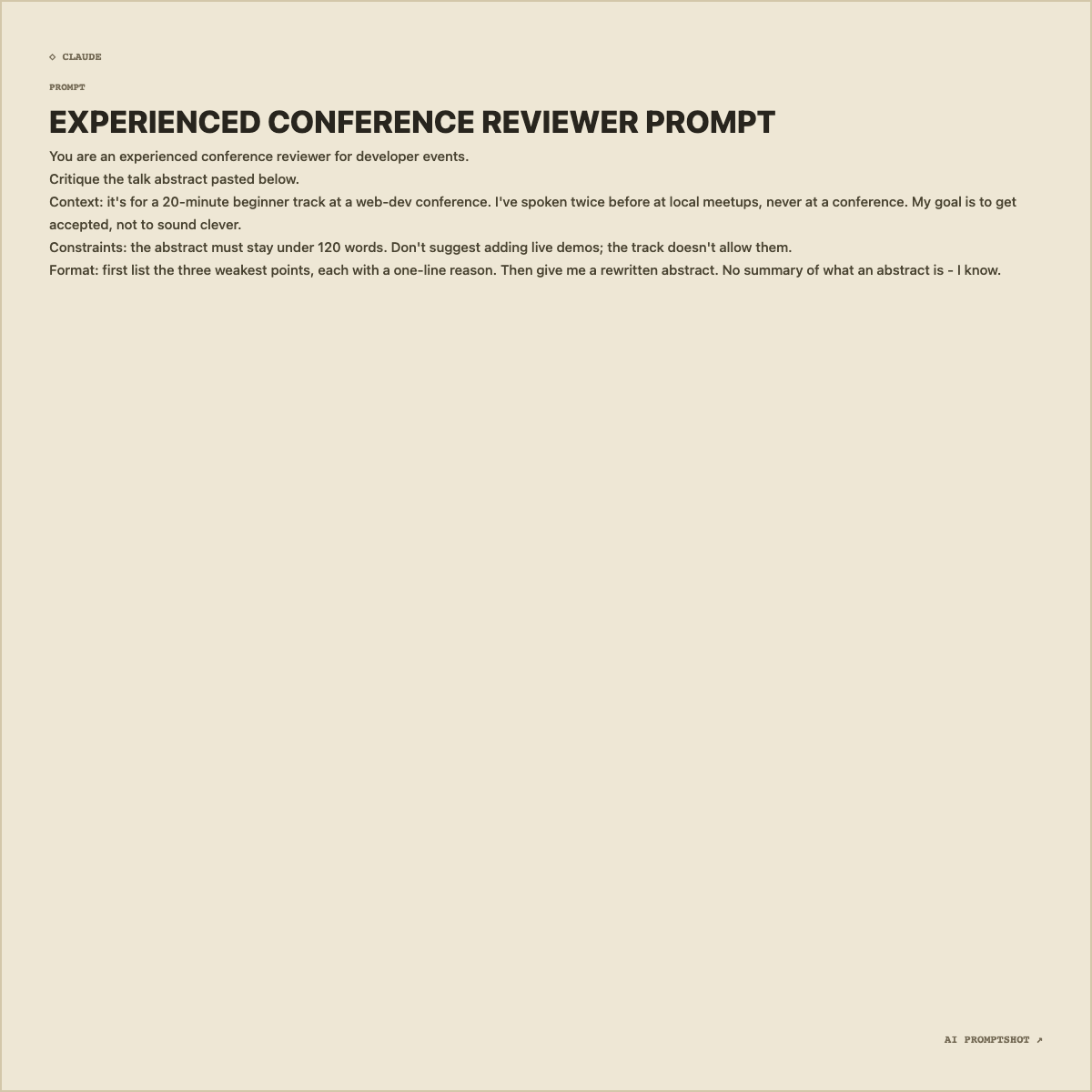
A structured prompt like this one is worth keeping (the prompt examples show more like it). You'll hit the same situation again - another abstract, another proposal, another application - and the prompt that worked is a head start. Treat your good prompts the way you treat good email templates: saved, titled, and easy to find next time. The sharing guide covers the ways to save and send one.
The short version
If you remember one thing: state the task as a verb and paste the material. Those two alone fix most prompts. Add constraints when the answer must fit a budget, a length, or a rule. Add format when you'll reuse the output. Add a role when the task has a professional standard.
Everything else is refinement.
Cut down to one line, the same request still carries a task, a context and a format:
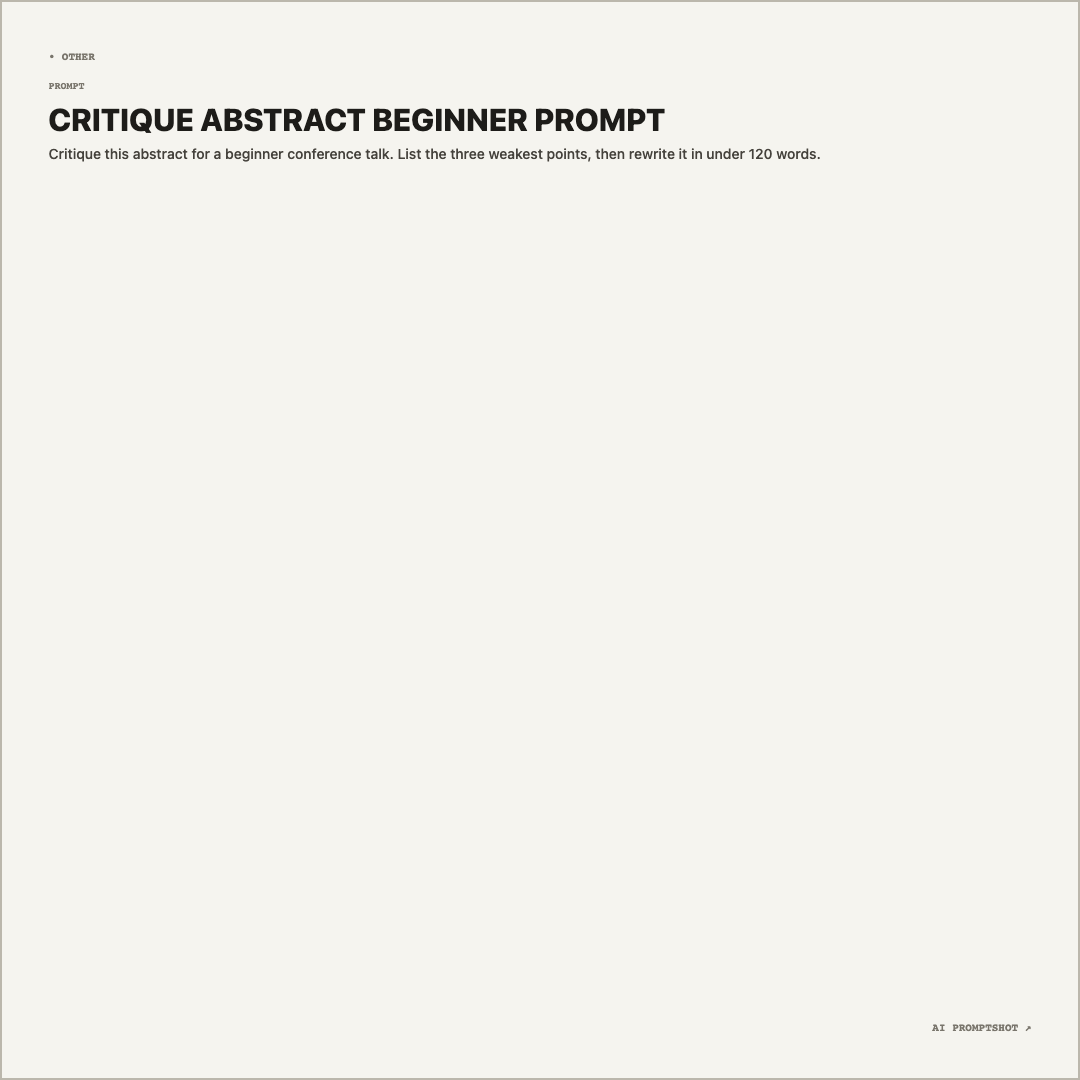
Critique this abstract for a beginner conference talk. List the three weakest points, then rewrite it in under 120 words.