The developer's prompt checklist: twelve checks before you hit send
Last updated · By the AI PromptShot team · Editorial policy
Coding assistants are genuinely useful and genuinely expensive to use badly. A vague prompt doesn't just waste a reply - it produces a plausible patch for a bug you don't have, pasted confidently into your codebase.
These twelve checks are the difference between "fix my code" and a prompt an engineer could act on.
The checklist
1. State the environment. Language, version, framework, and the dependencies that matter. "Python 3.12, stdlib only" rules out a whole class of wrong answers before they happen.
2. Paste the real error, whole. The full message and stack trace, not your summary of it. "It throws something about NoneType" makes the assistant guess; the actual trace tells it.
3. Expected vs actual, explicitly. Two lines: what the code should do, what it does instead. If you add only one line to a bug prompt, make it this one.
4. Give a minimal reproduction. Strip the code to the smallest version that still shows the problem. A 20-line repro gets diagnosed; a 400-line file gets skimmed.
5. Say what you already tried. Otherwise the first three suggestions are your first three attempts, and you spend the session saying "tried that."
6. Ask for the cause before the fix. "Explain in two sentences why this happens, then show the fix." Diagnosis-first prompts are more likely to produce patches that address the bug instead of papering over its symptom.
7. Constrain the blast radius. "Minimal diff - don't refactor, don't rename, don't upgrade dependencies." Left unconstrained, a helpful assistant often rewrites neighboring code, and your review grows with it.
8. State your conventions. Tabs or spaces, error-handling pattern, naming style - one line is enough. The patch then drops into your codebase instead of sticking out of it.
9. Ask for a failing test first. For anything non-trivial: "Write the test that currently fails, then the change that makes it pass." You get evidence the fix addresses your case, and a test to keep.
10. Ask for a diff or patch format. "Return only the changed lines as a unified diff" beats a full reprint of the file with silent edits somewhere inside.
11. Strip secrets before pasting. API keys, tokens, connection strings, customer data - remove or redact them, every time, no matter whose tool you're using. Make it a reflex, like not pasting passwords into tickets.
12. Keep the prompt if it worked. A good debugging-prompt skeleton is reusable across projects. Save it, and next time you only fill in the parts that changed.
Working with coding agents
Agent tools - the kind that edit files and run commands on their own - raise the stakes of every check above, and add two more. Scope one task per run: "add validation to the signup form" is a task; "improve the auth system" is a project, and agents asked to do projects tend to improvise. And give acceptance criteria the agent can check itself: "the form rejects an empty email with an inline error; existing tests still pass." An agent with a verifiable finish line has a clear point to stop; one without tends to keep going, and the extra work is where the damage happens.
When the fix is wrong
It will be, sometimes. The tell is a patch that treats the symptom - catching the error, defaulting the value - without touching the cause you asked it to explain. When that happens, don't argue with the patch; go back to the diagnosis. "Your explanation said X, but this change only handles the result of X. Re-examine the cause." A prompt that demanded cause-before-fix gives you that handle; one that just said "fix it" leaves you nothing to pull on.
Prompts for understanding, not just fixing
Not every coding prompt is a bug report. Some of the highest-value ones are reading prompts: "Walk me through what this function does, line by line, then one sentence on why it's structured this way" on legacy code you've inherited, or "what are the three most likely places this module breaks under load" before a launch. Reading prompts follow the same rules - paste the real code, state what you already understand, ask for the level of detail you want - and they're a fast way up an unfamiliar codebase, with the usual caveat: verify anything you'll rely on, because a confident walkthrough of code can be confidently wrong.
The skeleton
The checks, collapsed into one reusable prompt:
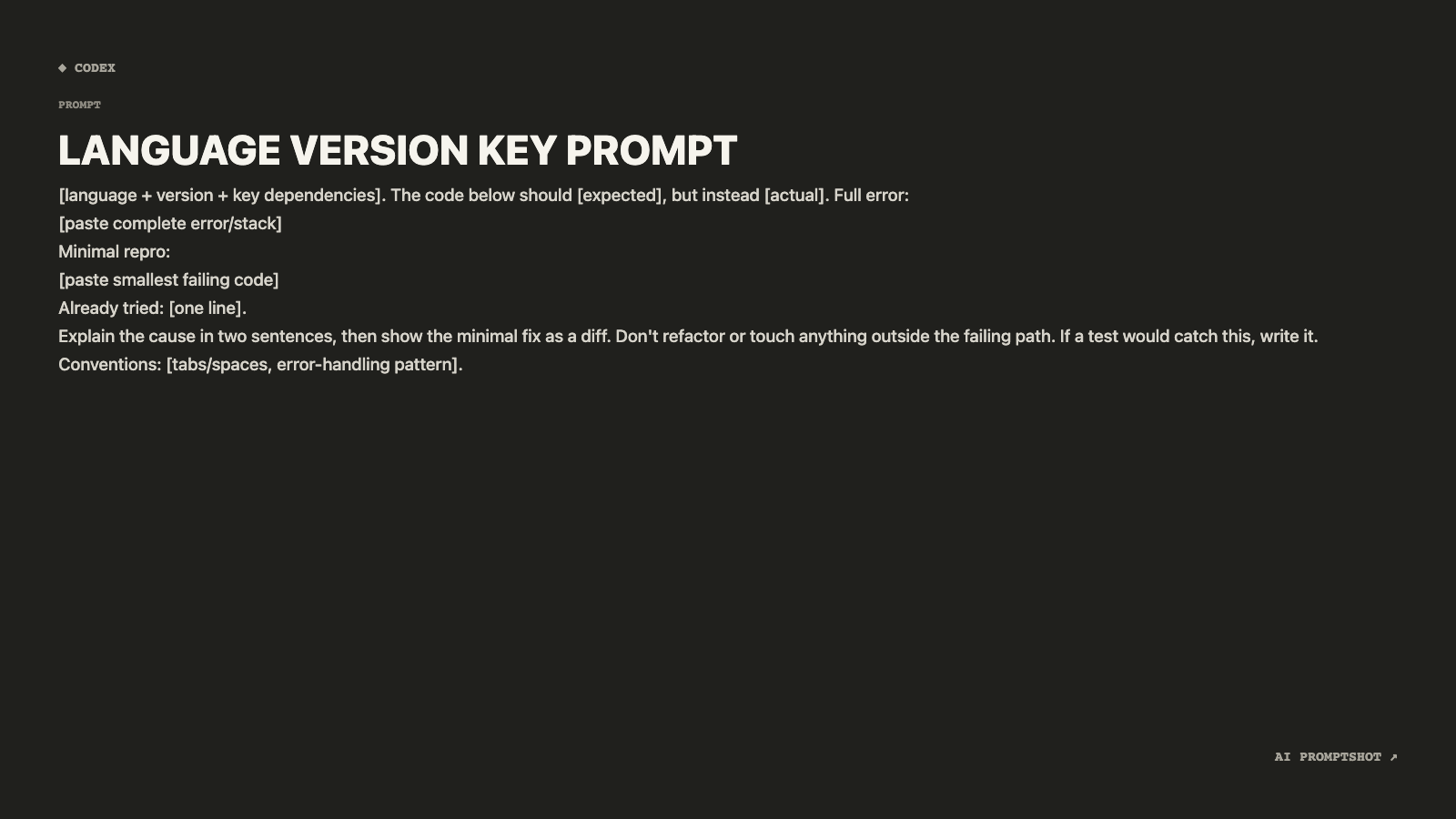
[language + version + key dependencies]. The code below should [expected], but instead [actual]. Full error: [paste complete error/stack] Minimal repro: [paste smallest failing code] Already tried: [one line]. Explain the cause in two sentences, then show the minimal fix as a diff. Don't refactor or touch anything outside the failing path. If a test would catch this, write it. Conventions: [tabs/spaces, error-handling pattern].
Fill the brackets, delete the lines that don't apply, and you have a prompt a senior engineer would be happy to receive - which is exactly the standard, because the assistant needs the same information the engineer would.
Where to go next
The coding agent bug fix example shows a filled-in task for an agent, with scope, steps and a definition of done, explained line by line, and the few-shot guide covers the cases where showing beats telling - house conventions are often one of them.