Sharing prompts on a team, so they stay usable
Last updated · By the AI PromptShot team · Editorial policy
Somewhere in your team's chat history is a genuinely good prompt. Someone tuned it over a week, it produces exactly the report format the team needs, and it is now buried under four hundred messages about parking. Next month a new hire will write a worse one from scratch.
A good prompt is infrastructure, like a template or a checklist. Teams that treat it that way compound their effort; teams that leave prompts in chat scroll keep paying the tuning cost over and over.
This guide is the team side: a library of prompts that people maintain together. For the mechanics and privacy of the share buttons themselves - what a share link encodes, when to send an image instead, what publishing does - see How to share AI prompts.
Why prompts die in chat
Chat is where prompts are born and where they go to disappear. Even when you can find the message again, the prompt alone is half the artifact - the rest is the context around it: what it's for, what good output looks like, which placeholders to fill. Three months later, "just paste the ticket and it works" is a mystery novel.
The fix is boring and effective: give prompts a home and a shape.
A home
One place the whole team can read. A wiki page, a docs folder, a pinned collection - the tool matters less than the rule: prompts live here, not in chat. Linking from chat to the home is fine; storing in chat is not, because chat has no "current version," only a stream of older and older copies.
A shape
A prompt library entry needs five things, and only five:
A title that says the job. "Release notes from commit list" is findable six months later. "Claude thing v3 final FINAL" is not.
The prompt itself, with bracketed placeholders. [paste commit list] tells the next person exactly what to supply. Placeholders in square brackets are the convention on this site because they read as slots, not content.
One example of good output. A short sample - even two lines - lets the next person judge whether the prompt still works before they rely on it. When the model or your process changes and the output drifts, the sample is how you notice.
A one-line "when to use this." The prompt for release notes is not the prompt for incident postmortems, and the difference isn't obvious from the text. One line saves the wrong tool being picked up.
A date and a name. Prompts rot: products change, formats change, models change. "Maintained by [name], checked [month and year]" tells the next person both whether to trust it and whom to ask. No anonymous prompts - an unmaintained prompt with no date is how stale instructions get cargo-culted into new work.
What about the image version
This is the niche prompt cards fill honestly. A prompt exported as an image travels well where text doesn't: into onboarding slides, a how-we-work doc, a workshop handout, a class group chat. The card carries the prompt verbatim, looks deliberate, and, as a practical point, an image is easy to pin and keep where pasted text scrolls away. The card is not the library, though. It has no search and no edit history, so use it as the cover of the entry, not the entry itself: card in the slides, living text in the wiki, link between them.
Keeping the library alive
Two habits cover almost everything:
Review on a schedule. Once a quarter, someone runs each prompt's example output check - does it still produce the sample? - and dates the entry. A few minutes per prompt, and the library stays trustworthy instead of becoming a museum.
Promote, don't hoard. When a prompt in someone's private notes gets reused by a second person, it graduates to the library with the five-part shape. Personal prompts stay personal until they earn the promotion; that keeps the library small enough to browse.
Starting this week
If your team has nothing yet: pick the three prompts people already pass around in chat, write them up in the five-part shape on one page, and link that page from your team channel's description. That's a working library in an afternoon, and it grows one promoted prompt at a time from there. The meeting notes example is the kind of prompt worth writing up this way: one job, clear placeholders, a fixed output.
The five-part shape, written as a prompt you can paste into your team channel:
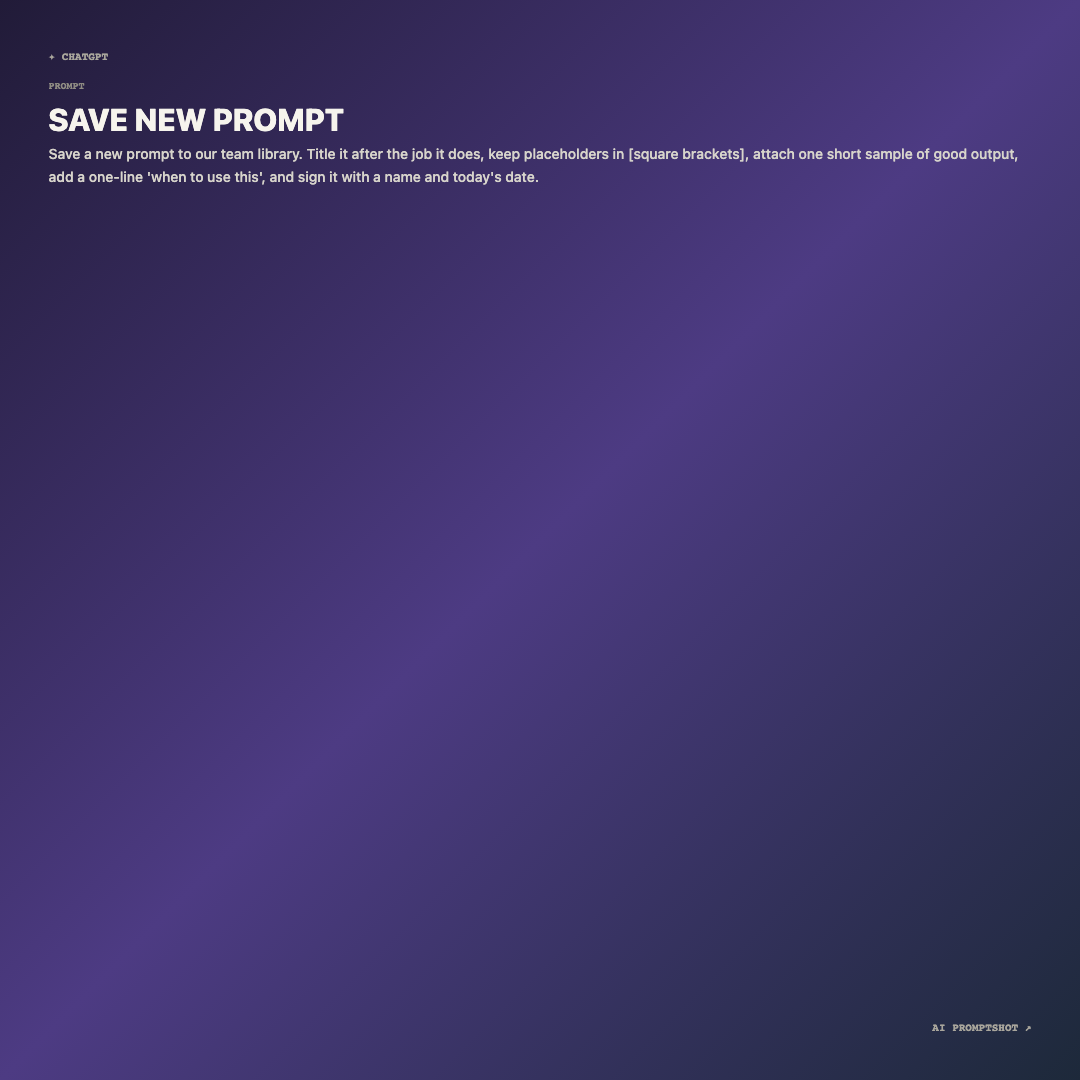
Save a new prompt to our team library. Title it after the job it does, keep placeholders in [square brackets], attach one short sample of good output, add a one-line 'when to use this', and sign it with a name and today's date.