Few-shot prompting: when examples beat instructions
Last updated · By the AI PromptShot team · Editorial policy
Try describing your house style in a sentence. "Friendly but professional, punchy, no jargon." Every company writes that sentence and every company means something different by it. Now paste two real headlines your team shipped. That shows the style - no adjectives required.
That's the idea behind few-shot prompting: instead of only telling the assistant what you want, you include a few worked examples of the job already done. Instructions describe; examples demonstrate. For a large class of tasks, demonstration wins.
What a few-shot prompt looks like
A few-shot prompt has three parts, in order:
- The task line. One sentence saying what the pattern is: "Turn each support ticket into a changelog entry in our house style."
- The examples. Two or three input-and-output pairs, clearly separated, each showing the transformation done correctly.
- The real input. The new item you want transformed, formatted exactly like the example inputs.
The assistant's job becomes pattern continuation, which language models are generally good at, instead of instruction interpretation, which is where drift tends to creep in.
When examples beat instructions
Reach for examples when any of these is true:
The rule is easier to show than to state. House tone, a particular way of writing commit messages, the difference between "urgent" and "can wait" in your triage system. If you struggle to write the rule, the assistant would struggle to follow it. Show instead.
The output has an exact shape. Structured formats - a specific table layout, a citation style, a JSON skeleton - are usually easier to match from one example than from a paragraph of formatting instructions.
The task involves judgment calls. Classifying customer feedback as bug, request, or praise sounds objective until a ticket says "love the app, but the export button deleted my file." One example of a tricky case, labeled your way, teaches the boundary better than a definition.
You've already rewritten the answer twice. If you've corrected the assistant's output manually more than once, paste your corrected version as an example. That's the instruction you were looking for, already written.
Picking the examples
Two or three is usually enough. More than five wastes space and can make the output formulaic. Choose them like this:
- Cover the range. If tickets come in angry, confused, and brief, include one of each. The examples should span the variety the real inputs have, not repeat one easy case.
- Include one hard one. The borderline case is where the assistant will hesitate; an example settles it. "This one looks like praise but it's a request - here's how we label it."
- Keep the formatting identical. If examples are labeled "Input:" and "Output:", the real input gets the same label. Inconsistency here is the most common self-inflicted error.
- Keep them short. Examples are teaching material, not padding. Cut each to the minimum that shows the pattern.
A worked example
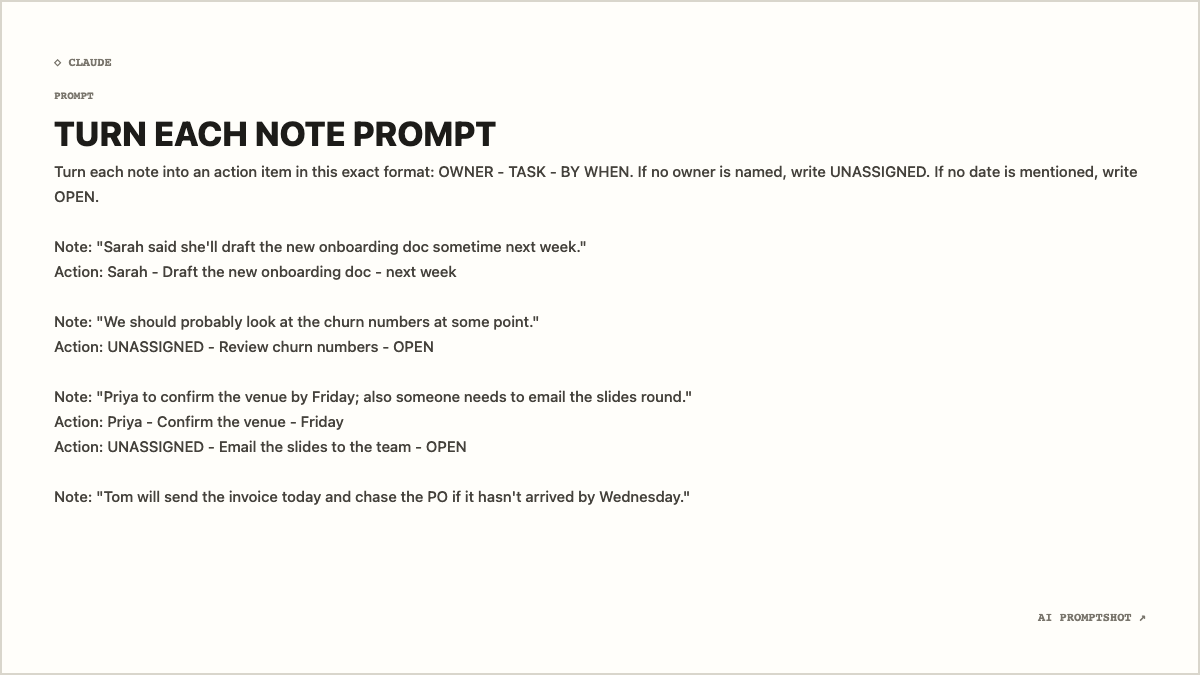
Here's a few-shot prompt for turning rough meeting notes into action items in a fixed format. (The meeting notes example does the same job with rules instead of examples.)
Turn each note into an action item in this exact format: OWNER - TASK - BY WHEN. If no owner is named, write UNASSIGNED. If no date is mentioned, write OPEN. Note: "Sarah said she'll draft the new onboarding doc sometime next week." Action: Sarah - Draft the new onboarding doc - next week Note: "We should probably look at the churn numbers at some point." Action: UNASSIGNED - Review churn numbers - OPEN Note: "Priya to confirm the venue by Friday; also someone needs to email the slides round." Action: Priya - Confirm the venue - Friday Action: UNASSIGNED - Email the slides to the team - OPEN Note: "Tom will send the invoice today and chase the PO if it hasn't arrived by Wednesday."
Notice the second example: it's the hard case. A vague "we should look at it" becomes UNASSIGNED and OPEN, which teaches the assistant how your team treats ownerless tasks - something no instruction phrased this briefly could pin down.
Three mistakes to avoid
Contradicting yourself. If the task line says "one sentence per item" and an example output has two sentences, the example will often win, because demonstrations tend to beat instructions, and you'll wonder why. Make the examples obey every rule you stated.
Cherry-picking only clean inputs. All-tidy examples teach a tidy pattern, and the first messy real input breaks it. One awkward example is worth three easy ones.
Letting examples eat the prompt. Each example spends context. If your examples are long documents, trim them to the relevant excerpt. Two hundred words of examples plus a clear task line usually work better than two thousand words of them.
The names you'll see
If you read about prompting you'll meet three terms. Zero-shot is a plain instruction with no examples, like most prompts in our other guides. One-shot adds a single example. Few-shot adds two or more, which is what this page covers. The terms are just shorthand for counting examples; there's no extra machinery behind them.
When to skip it
Few-shot is a tool, not a default. Simple questions need no examples. Creative asks - brainstorms, first drafts - can get worse with examples, because the assistant anchors on them and your ten ideas come out as near-copies of the two you showed. Use examples when consistency is the goal; leave them out when variety is.