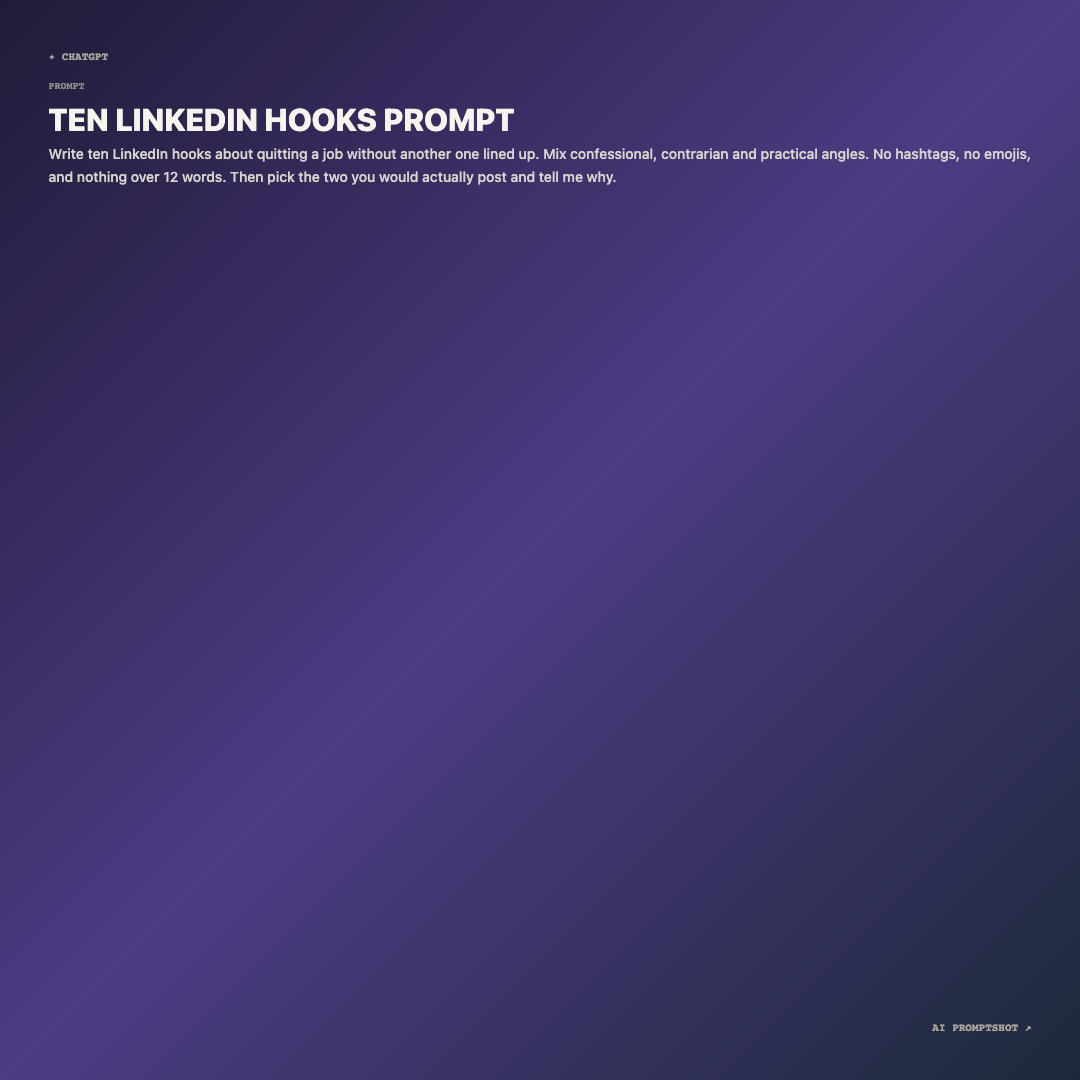
What Social looks like
The gradient runs corner to corner: dark plum at the top left, a brighter violet through the middle, deep navy at the bottom right. The title is bright off-white in heavy capitals, the prompt is a softer light gray, and the platform label and brand mark sit in small muted monospace in opposite corners.
Text starts at the top, so a short prompt leaves most of the square as color. In a feed that's fine: at thumbnail size the gradient is what gets noticed, and the words get read once someone pauses on it.
When to pick Social
Use Social when the image is the post: a prompt of the day on Instagram, a slide in a carousel, a LinkedIn update where the prompt is the whole point. A square sits comfortably in a grid of photos and doesn't need any thought about how it will be framed.
Skip it inside documentation or a thread full of text, where a saturated square starts to look like an ad; Clean is the better neighbor there. Light text on a dark gradient also gets tiring past a few short paragraphs, and Editorial carries long writing more comfortably.
- viral prompt ideas
- prompt-of-the-day posts
- marketing prompts
- creative writing prompts
The example prompt
Write ten LinkedIn hooks about quitting a job without another one lined up. Mix confessional, contrarian and practical angles. No hashtags, no emojis, and nothing over 12 words. Then pick the two you would actually post and tell me why.
Short, punchy and with an obvious payoff, which is what makes a prompt work as a social post: people can take it in at a glance and imagine the answer. It runs to two lines on the card and lets the gradient do the rest.
Tips for Social
- Write it for the feed, not the model. The version you send to ChatGPT often carries setup your audience doesn't need. For a post, trim it to the part people will want to copy, and put the full prompt in the caption or a share link.
- Decide what to do with the empty space. If all that gradient looks unfinished under your prompt, put each instruction on its own line so the text runs further down the card, or switch the size to Social Landscape (1200 × 675) and post a wide image instead.
- Check it on a phone before posting. Feeds show this image only a few hundred pixels across. Open the downloaded PNG on your phone; if the body text is a strain to read there, the prompt is too long for this template.