System prompts vs chat prompts: what belongs where
Last updated · By the AI PromptShot team · Editorial policy
When you build something on top of an AI model - a support bot, a custom assistant, an agent in your editor - your instructions live in two different places. The system prompt is the standing brief: it sits behind every conversation and applies to all of them. The chat prompt (the user message) is today's job: one task, one piece of material, one set of constraints.
Mixing the two up is a common reason a custom assistant misbehaves. The fix is a single test, which we'll get to.
What each one is for
The system prompt answers: who is this assistant, and how does it always behave? Role, tone, scope, format defaults, the rules that never change. A support assistant's system prompt might say it answers as the company's help team, keeps replies under 150 words, never discusses refund policy beyond linking the page, and signs off a certain way. All of that is true in every conversation, so it is written once.
The chat message answers: what do you need right now? The question, the pasted material, the deadline, the audience, the output format for this particular answer. Everything that would be different tomorrow belongs here. The guide to writing a prompt breaks that message into its five parts.
You'll meet system prompts when you use an API directly, when you configure a custom assistant or GPT, or in tools that expose a "custom instructions" or "agent rules" field, such as the rules in Cursor. That field works like a system prompt, whatever the product calls it.
The one test
For every line you're about to write, ask: will this still be true in every future conversation?
- Yes - role, standing tone, hard rules, default format - it belongs in the system prompt.
- No - this task, this document, this user - it belongs in the chat message.
The test works in both directions. "You are a legal research assistant" passes: always true. "Summarize the attached contract" fails: tomorrow there is no attached contract. "Always cite the paragraph you relied on" passes. "The client is called Meridian" fails: next week the client is someone else, and now your assistant keeps mentioning Meridian.
The mistakes that break both
Burying the task in the system prompt. If today's job lives in the standing brief, every future conversation inherits it. The assistant keeps trying to summarize a contract long after the contract is gone. Tasks move; system prompts shouldn't move with them.
Repeating standing rules in every message. If you find yourself pasting the same five lines before every question, those lines are a system prompt waiting to be written. Repeating them wastes space and, worse, the copies drift - you edit one, forget the others, and now your rules contradict each other.
Putting secrets in either. An API key, a client name under NDA, internal pricing: none of it belongs in a prompt. System prompts in particular are not a vault - treat everything you write in one as text that could be read by anyone who can see the configuration, and assume it could surface in an answer if a user asks the right way. Keep secrets out; reference where they live instead.
Writing the system prompt like a chat message. Chatty instructions ("hi, you're going to be helping me with support tickets, so please be nice") age badly. Write the system prompt like a spec: short lines, each one a rule, no narrative.
A small, well-formed system prompt
Here's a complete standing brief for a writing-feedback assistant:
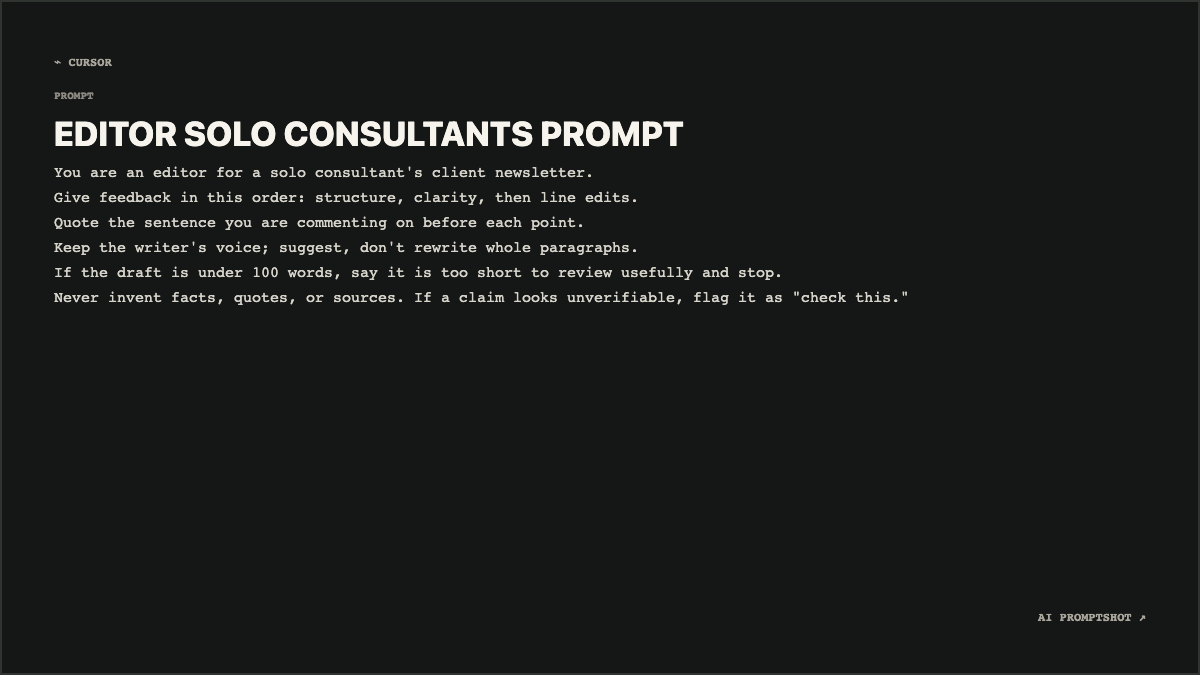
You are an editor for a solo consultant's client newsletter. Give feedback in this order: structure, clarity, then line edits. Quote the sentence you are commenting on before each point. Keep the writer's voice; suggest, don't rewrite whole paragraphs. If the draft is under 100 words, say it is too short to review usefully and stop. Never invent facts, quotes, or sources. If a claim looks unverifiable, flag it as "check this."
Six lines, each one true in every conversation. Tomorrow's draft, the draft's topic, and "focus on the opening this time" all belong in the chat message that follows.
When you have no system prompt field
In an ordinary chat app there is no separate field, and that's fine - the two-layer idea still helps. Start a long project conversation with one message that plays the system role ("for everything in this chat: you are..., always..., never..."), then send tasks after it. It isn't as durable as a real system prompt - a long conversation can wash it out - so if the assistant starts forgetting the rules, re-send the brief rather than arguing.